Appearance
What's New?
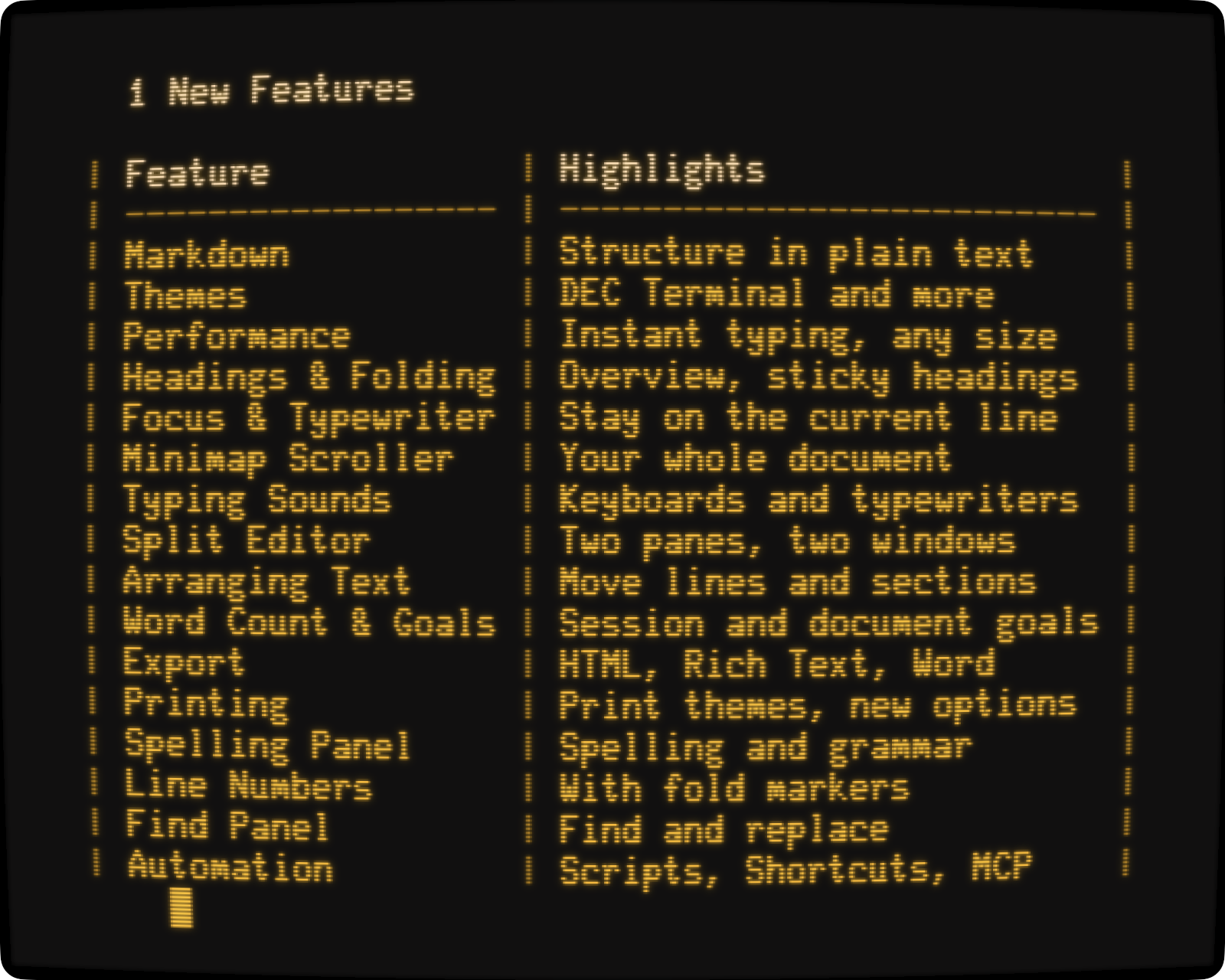
WriteRoom is all new.
New Markdown support, with headings to fold and sections to move, in documents that stay plain text. New themes, including a DEC Terminal theme that draws letters with the dots of a real 1980s terminal. New sounds, from laptop keys to typewriters. And new levels of performance, so typing stays instant in the biggest documents.
New Features
- Markdown Structured documents in plain text
- Themes DEC Terminal, System, Solarized, Flexoki, Gruvbox
- Performance Instant typing at any document size1
- Headings & Folding Heading Overview Mode, folding, sticky headings
- Focus & Typewriter Writing Focus Mode, Typewriter Mode
- Minimap Scroller A picture of your whole document to scroll by
- Typing Sounds Keyboard and typewriter sounds
- Split Editor One document, two panes or two windows
- Arranging Text Move and indent lines, list items, and sections
- Word Count & Goals Session goals, document goals
- Export HTML, Rich Text, Word
- Printing Print themes and new options
- Spelling Panel Spelling, grammar, autocorrect
- Line Numbers Beside your text, with fold markers
- Find Panel Find and replace
- Automation AppleScript, Shortcuts, command line tool, MCP server
1 Tested to 1 gigabyte, with hundreds of thousands of headings and dense Markdown syntax.
Upgrading from Earlier Versions
WriteRoom 4 writes plain text and Markdown, and no longer edits rich text. To bring rich text documents along, see Rich Text Documents.