Appearance
Split Editor
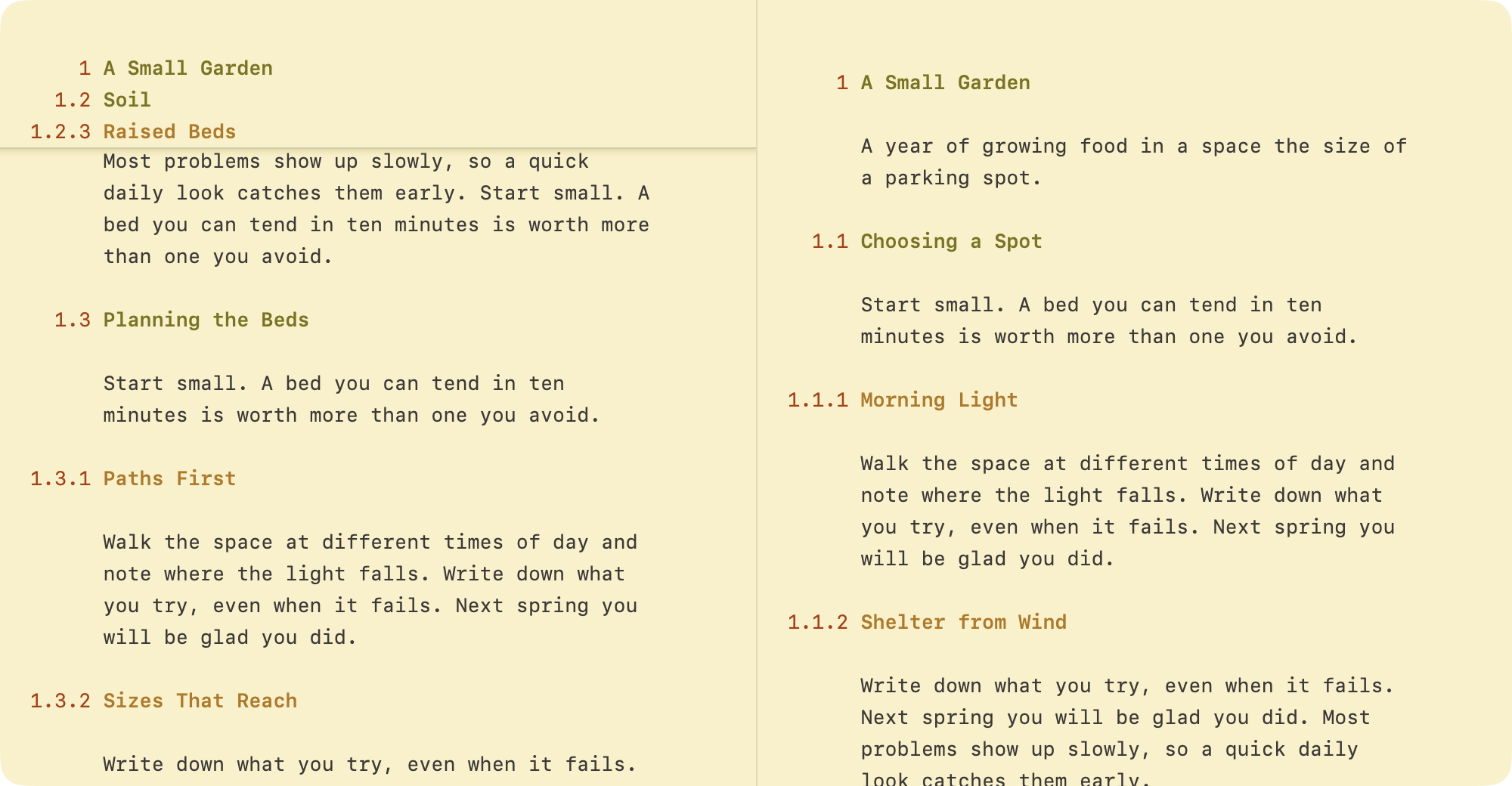
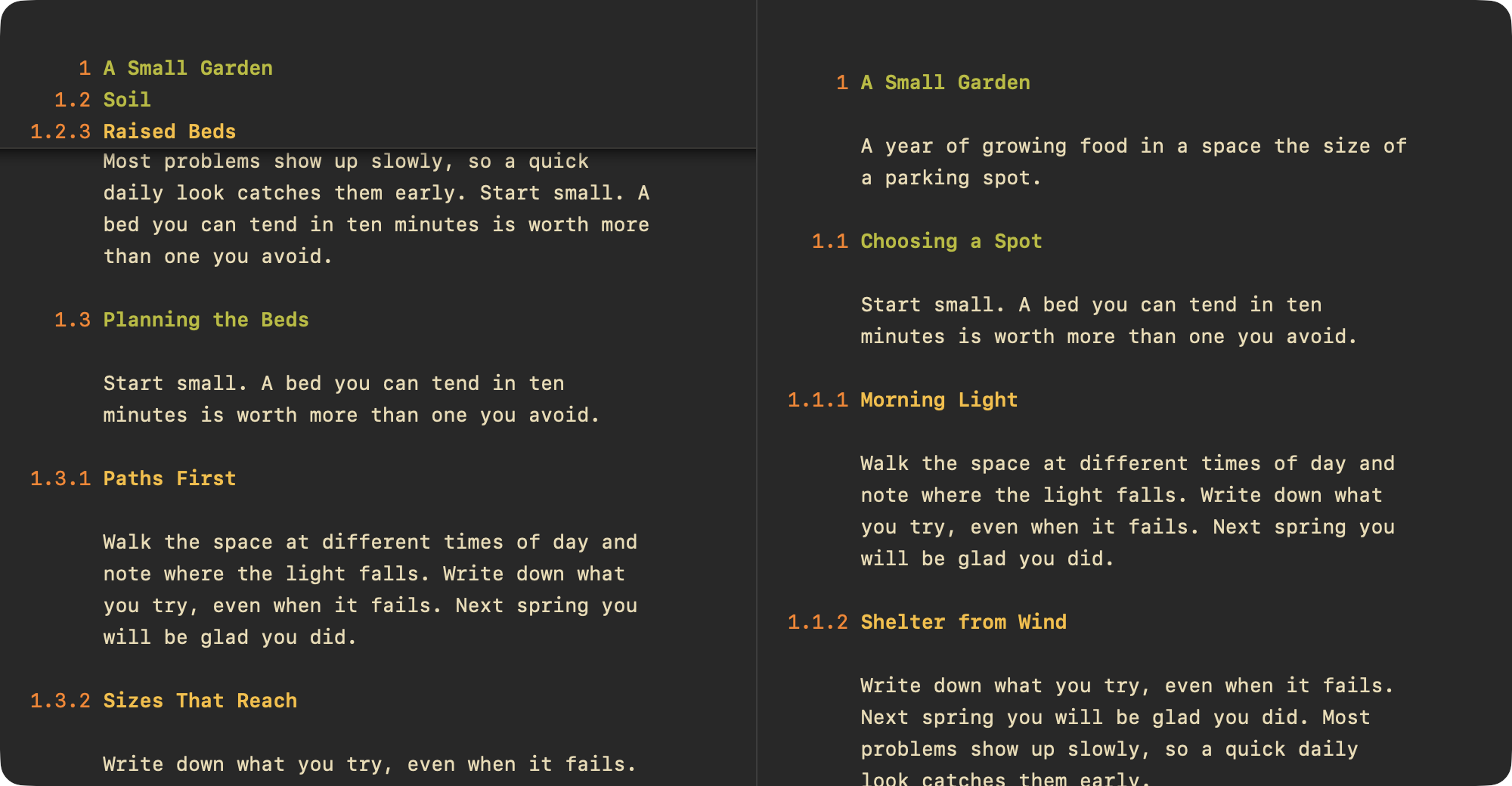
The Split Editor shows one document in two panes, so you can read one part while you write another.
To split a window
- View > Split Editor (Control-Command-S). Choose it again to go back to one pane.
To move between panes
- Click in a pane
- Or press Control-Tab
To choose side by side or top and bottom
- WriteRoom > Settings > General > Split editor
Each pane scrolls and folds on its own. Edits in one show in the other.
To open the document in another window
- File > Open in New Window, or Open in New Tab
Both show the same document. Edits in one appear in the other.