Appearance
Settings Window
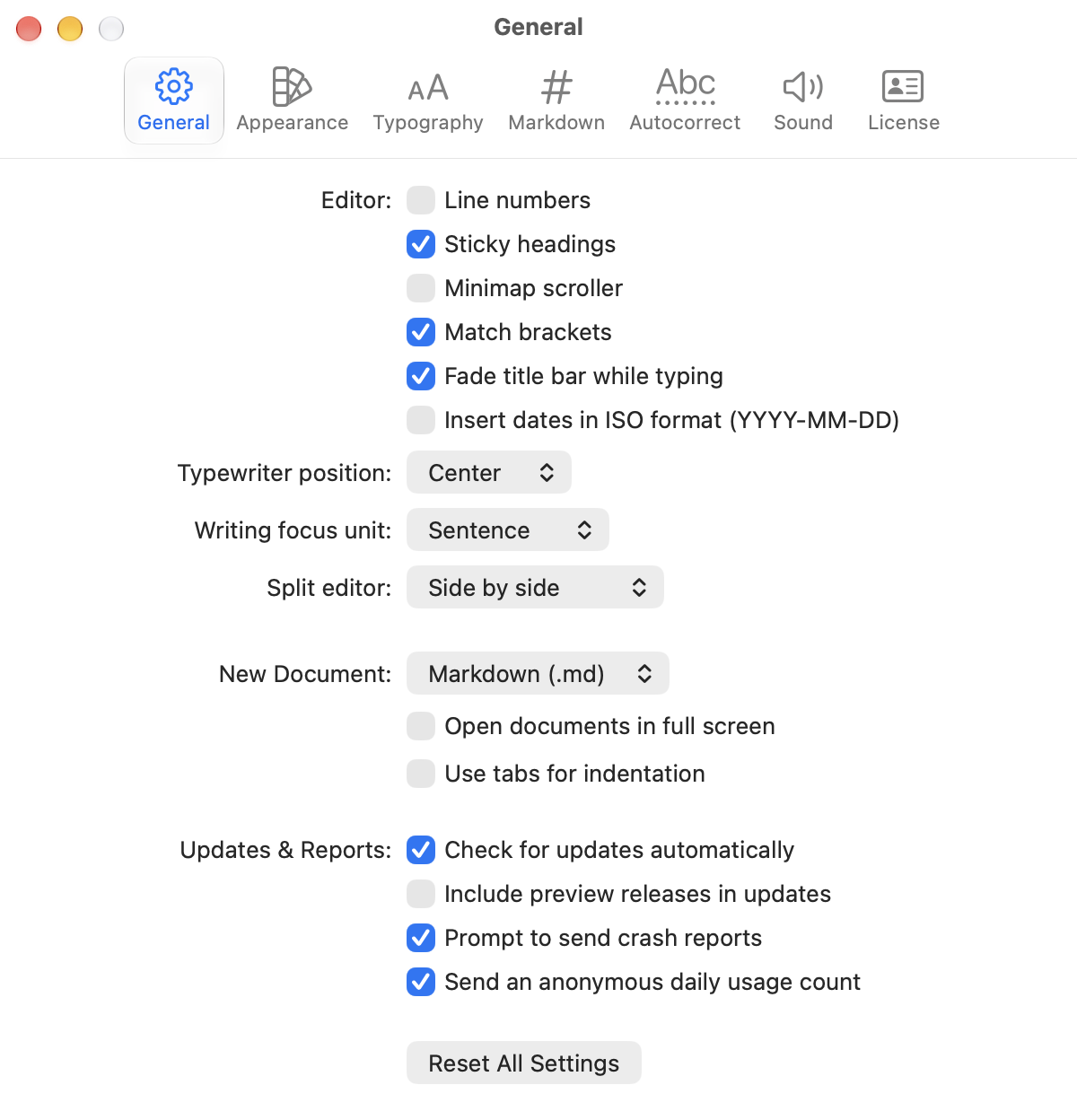
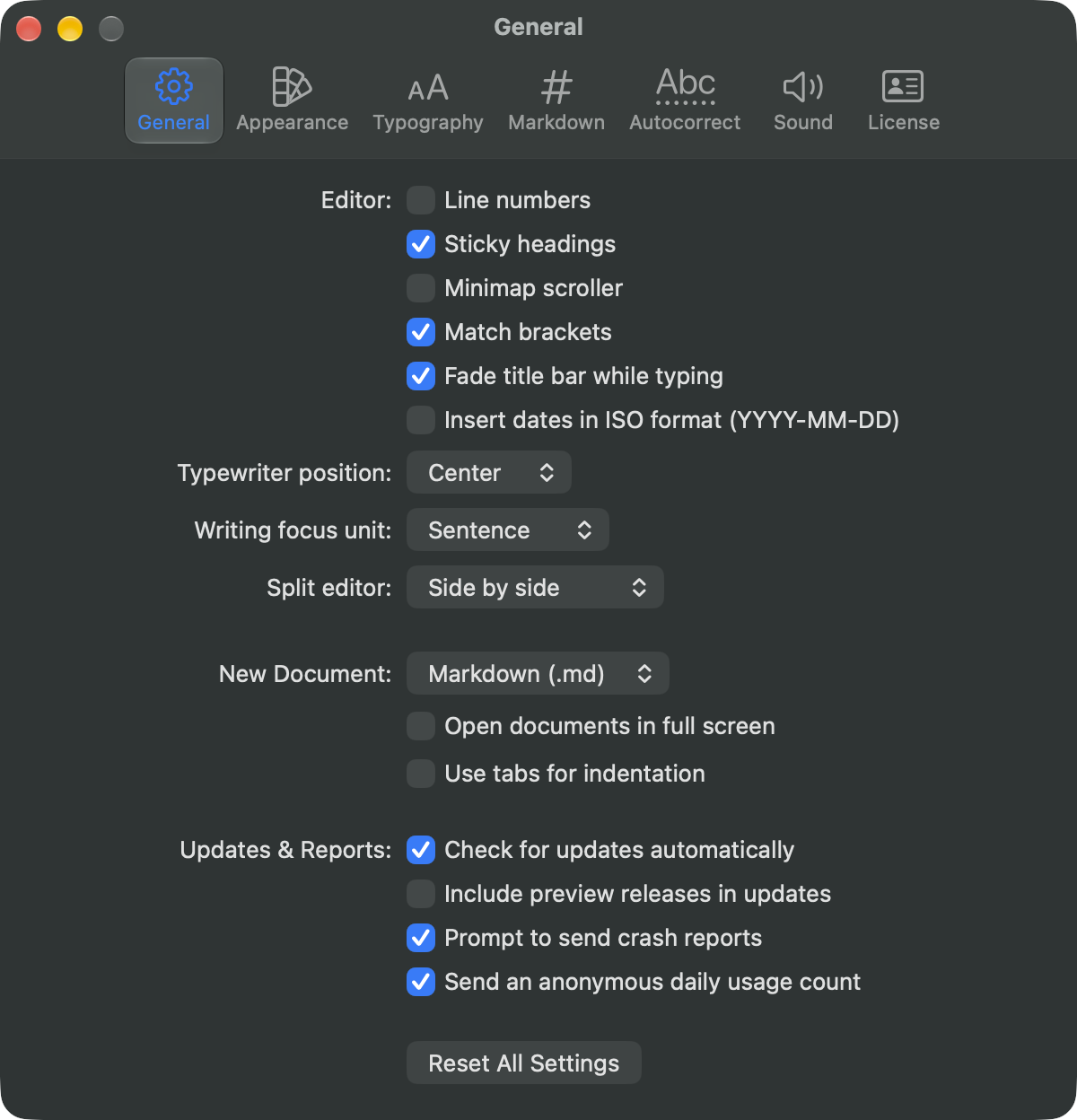
Open WriteRoom's settings with WriteRoom > Settings… (Command-,).
How Settings Work
Settings apply to all of WriteRoom. Many are defaults for new windows. The View menu and This Window Settings change just the front window. A window keeps its changes when WriteRoom reopens it, and when you change Settings, until you Reset it.
| Setting | Change one window |
|---|---|
| Appearance and theme | View > Theme |
| Font size | View > Zoom In, Zoom Out |
| Line width | View > Line Width |
| Line numbers, sticky headings, minimap | View > Line Numbers, Sticky Headings, Minimap Scroller |
Panes
- General: what new windows show, Typewriter Mode and Writing Focus Mode, the split direction, the format of new documents, and updates. Reset All Settings is here too.
- Appearance: Auto, Light, or Dark, and the theme for each. See Using Themes.
- Typography: font, size, line height, and line width. See Typography.
- Markdown: lists, tables, the flavor, line breaks, and what Hide Formatting hides.
- Autocorrect: corrections, substitutions, and completions. See Spelling & Grammar.
- Sound: typing and mouse sounds. See Typing Sounds.
- License: your license or trial. See Licensing.