Appearance
Using Documents
WriteRoom documents are ordinary files. Open them in any text editor.
File Formats
- Markdown:
.mdand.markdown - Plain text:
.txt, and other plain text files - TextBundle:
.textbundleand.textpackfiles open and save
See Plain Text & Markdown for choosing between the first two.
Large Documents
WriteRoom stays fast at any size. Put a thousand copies of Moby-Dick in one document, more than a gigabyte of text, and typing is still instant.
Document Info
- File > Document Info… (Shift-Command-I)
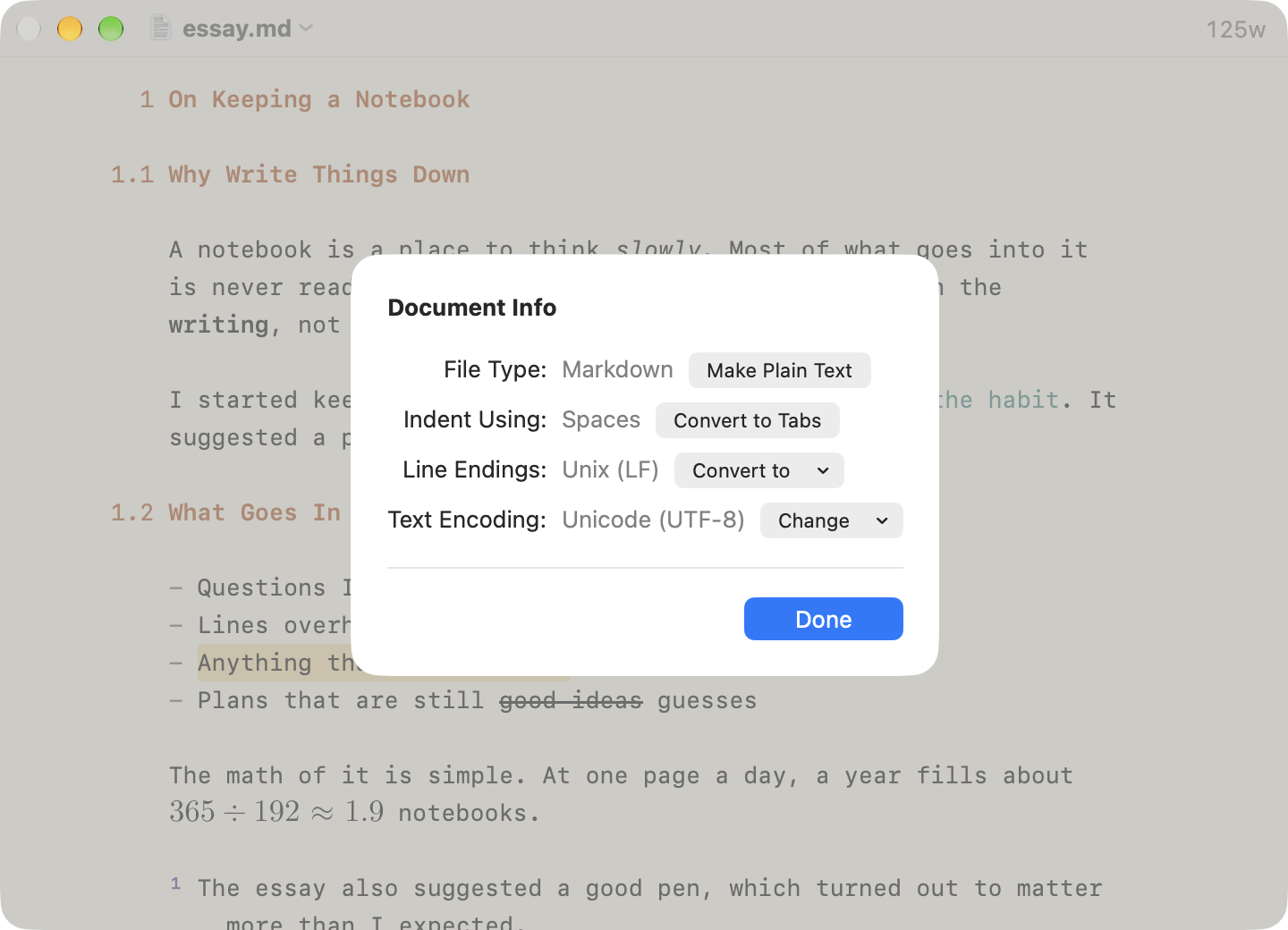
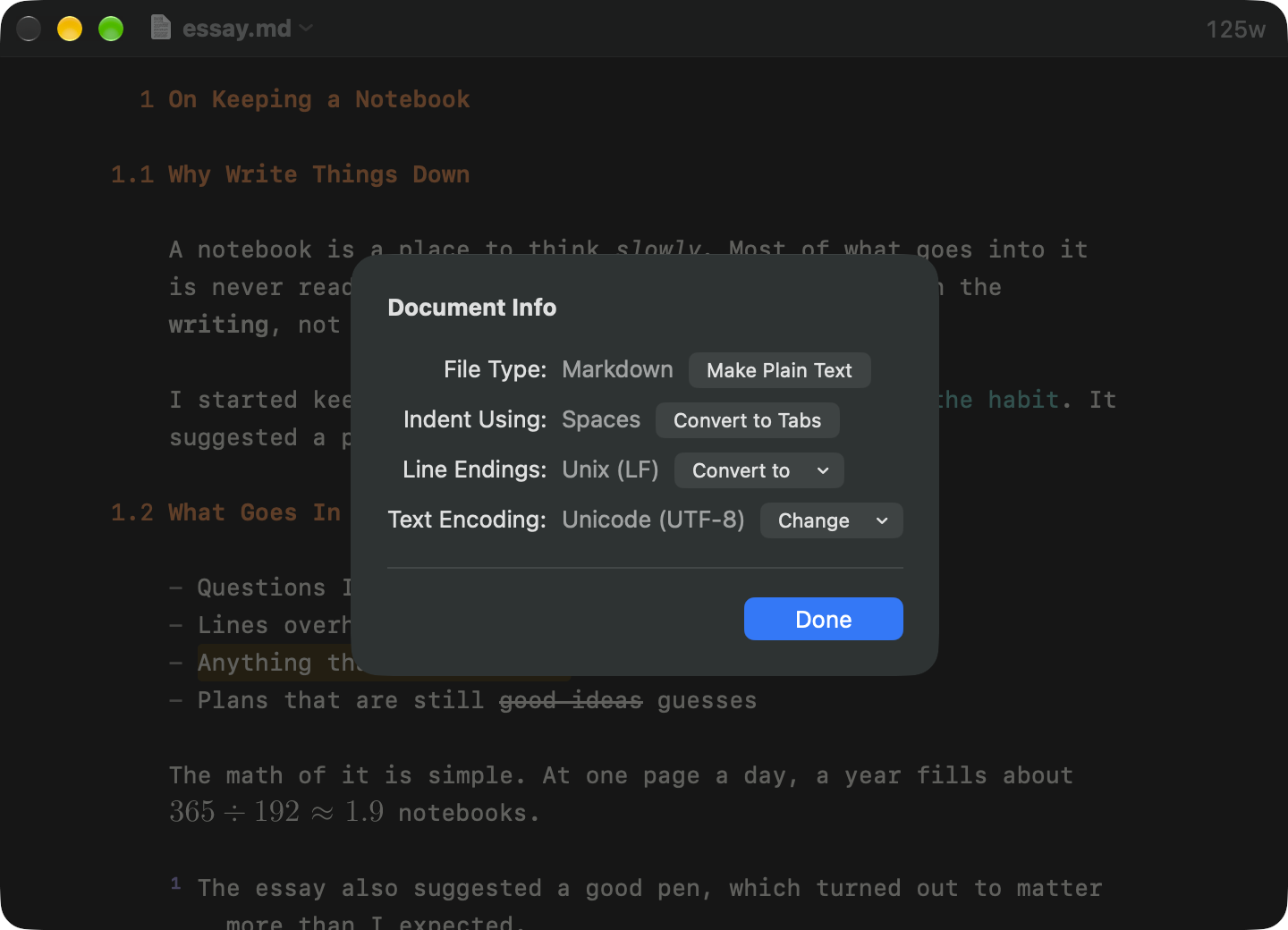
WriteRoom detects a file's encoding and line endings when it opens, and keeps them when it saves. Document Info shows them, with whether the file indents with tabs or spaces, and converts any of the three. If the text looks garbled, reopen the file in another encoding there.
For a TextBundle it also lists the files inside. Control-click one to reveal it in Finder or move it to the Trash.
Dropping Files
Drop a file into a document to insert its path.