Appearance
Spelling & Grammar
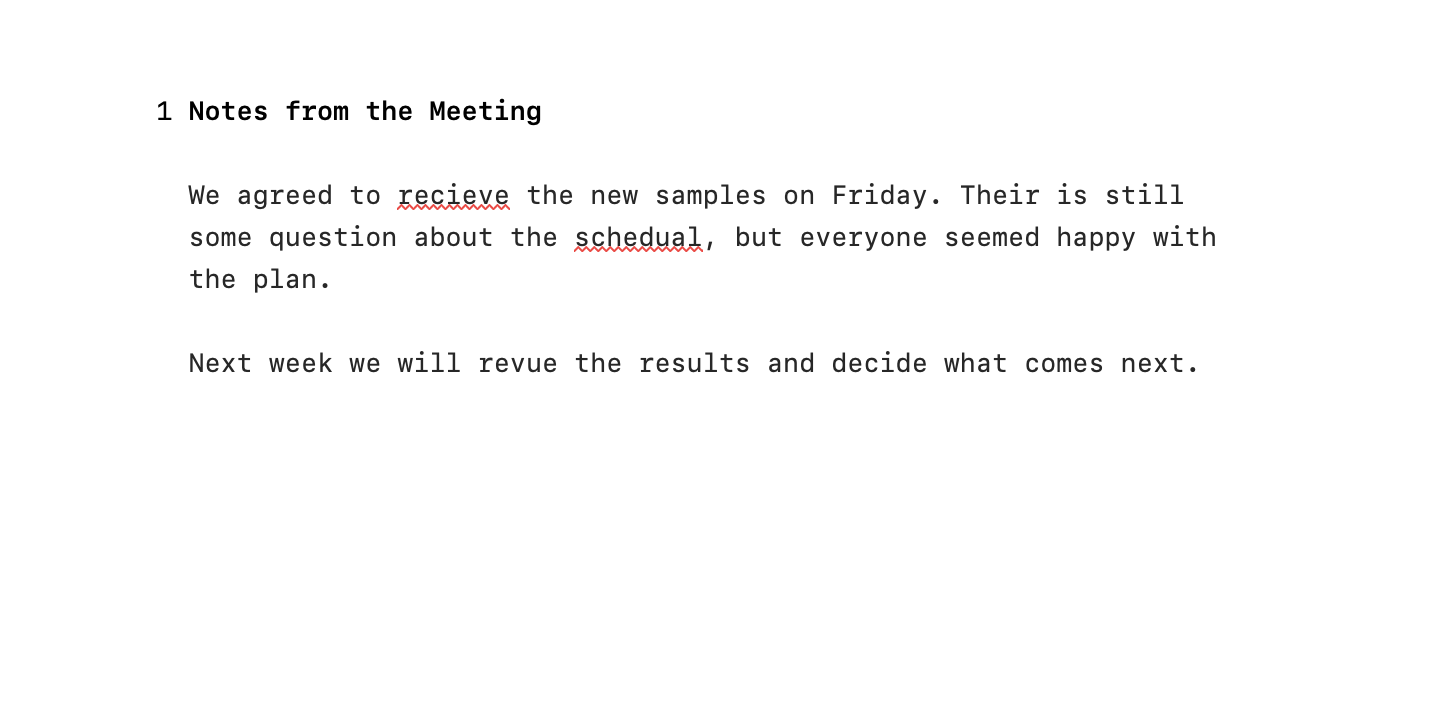
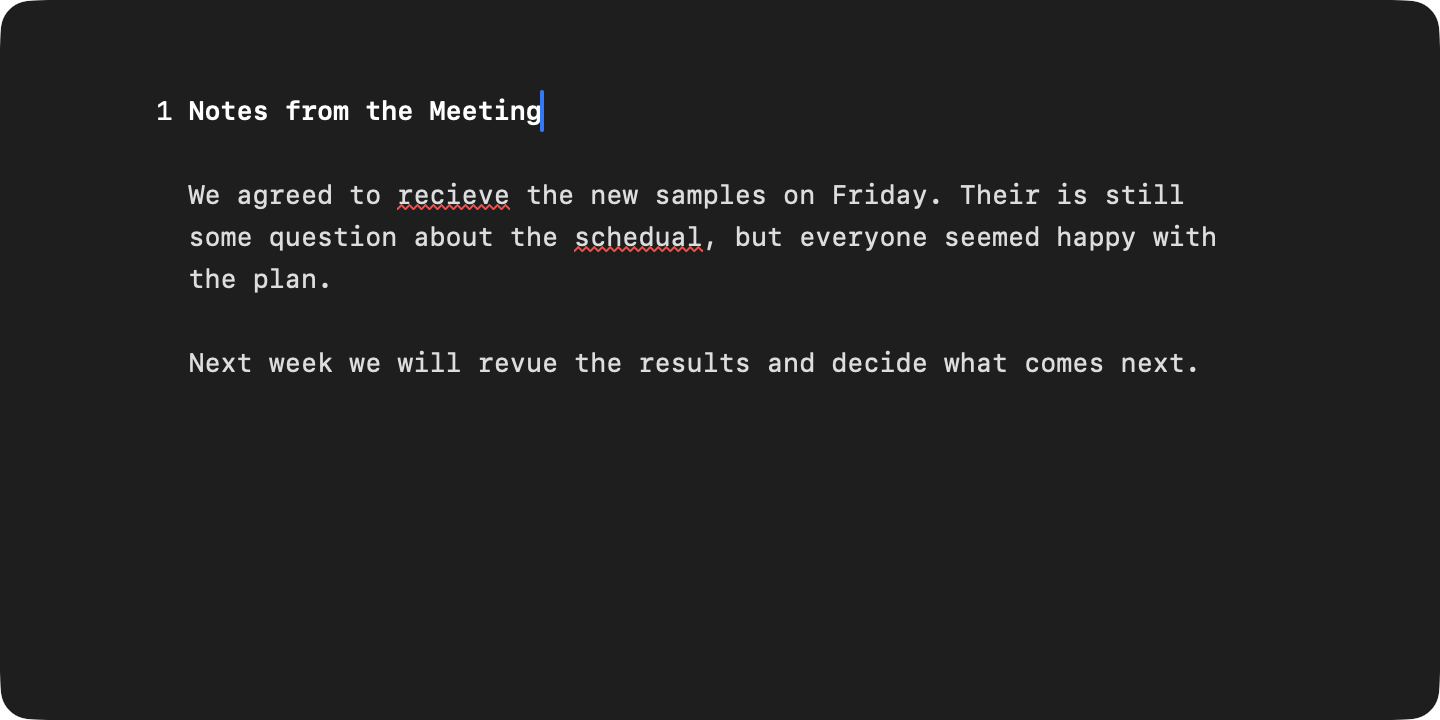
WriteRoom checks spelling and grammar using macOS, and can correct as you type.
Checking As You Type
Misspelled words and grammar problems are underlined. Edit > Spelling and Checking > Highlight Spelling Errors and Highlight Grammar Errors hide the underlines in the front window. The same menu is in the editor's Control-click menu.
Checking Panel
The checking panel steps through problems one at a time.
To show the checking panel
- Edit > Spelling and Checking > Show Spelling and Grammar
To go to the next or previous problem
- Edit > Spelling and Checking > Check Next (Command-;)
- Edit > Spelling and Checking > Check Previous (Shift-Command-;)
Ignore skips a word in this document only. Learn adds it to your Mac's dictionary, for every app. Press Escape to close the panel.
Autocorrect
WriteRoom corrects spelling and applies your text replacements as you type. Press Delete right after a correction to undo it. Smart quotes and dashes are off until you turn them on.
To change autocorrect
- WriteRoom > Settings > Autocorrect
Autocorrect leaves code, links, and math alone.