Appearance
Word Count & Goals
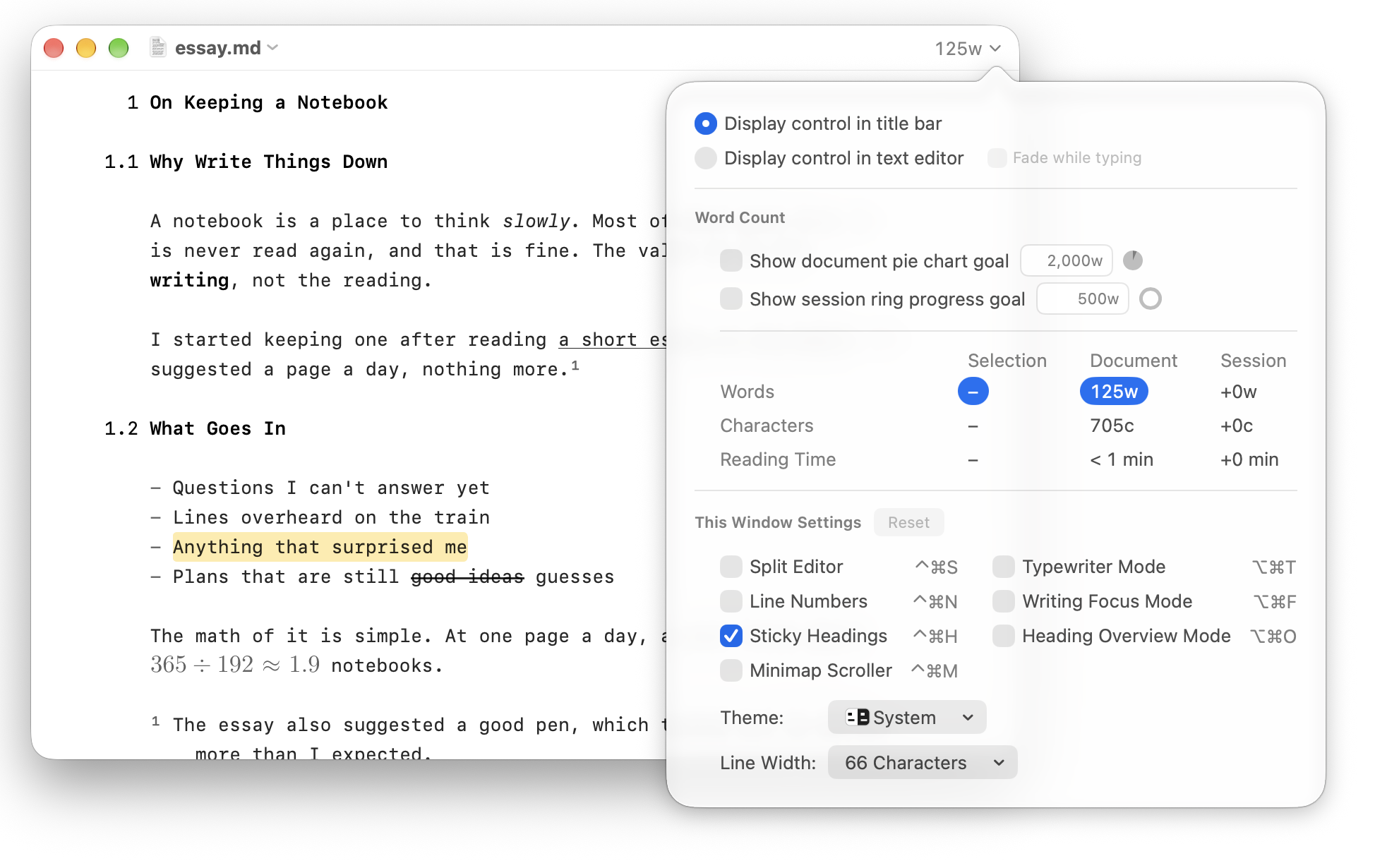
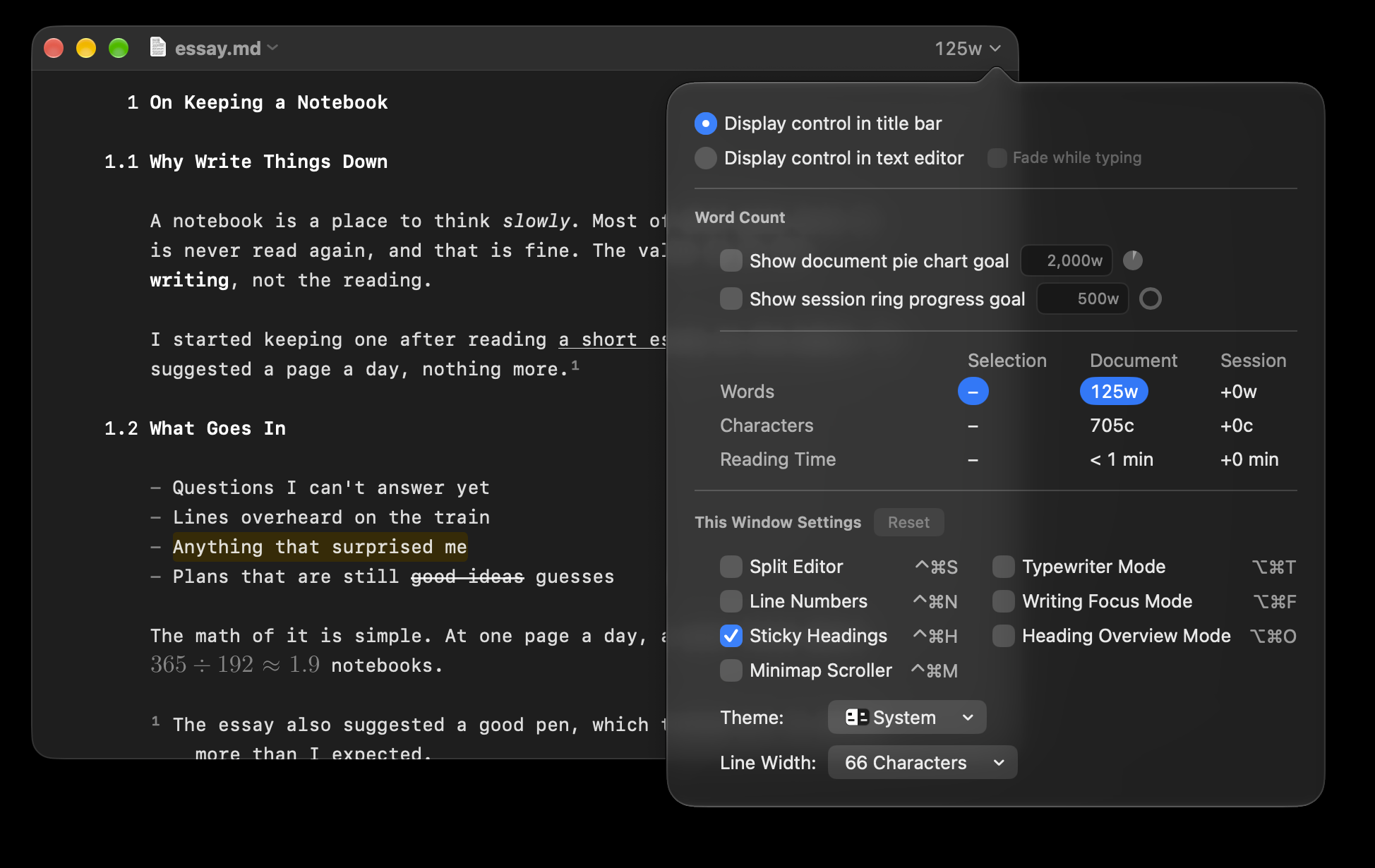
WriteRoom counts as you write. The count sits in the window's title bar. Click it for counts, goals, and This Window Settings.
Counts
Click the count to see words, characters, and reading time for the selection, the whole document, and this session. The session counts what you've written since you opened it.
To choose what the count shows
- Click the count, then click any number in the table to add it to the count or take it away
Take every number away and the count shows just a chevron, which you can still click.
To move the count onto the page
- Click the count and choose Display control in text editor. Drag the count wherever you like.
Goals
A goal gives you something to write toward.
To set a goal
- Click the count
- Check Show document pie chart goal or Show session ring progress goal, and type the goal:
500wfor words,3,000cfor characters, or10 minfor time
A document goal counts the whole document and shows as a pie chart in the count. A session goal counts from when you opened the document and shows as a ring. Uncheck a goal to stop showing it.
Where goals are saved
Goals are saved as extended attributes on the file, not inside its text. They survive renaming and moving the file, and sync with iCloud Drive. Emailing, zipping, or syncing through Dropbox drops them.