Appearance
Focus & Typewriter
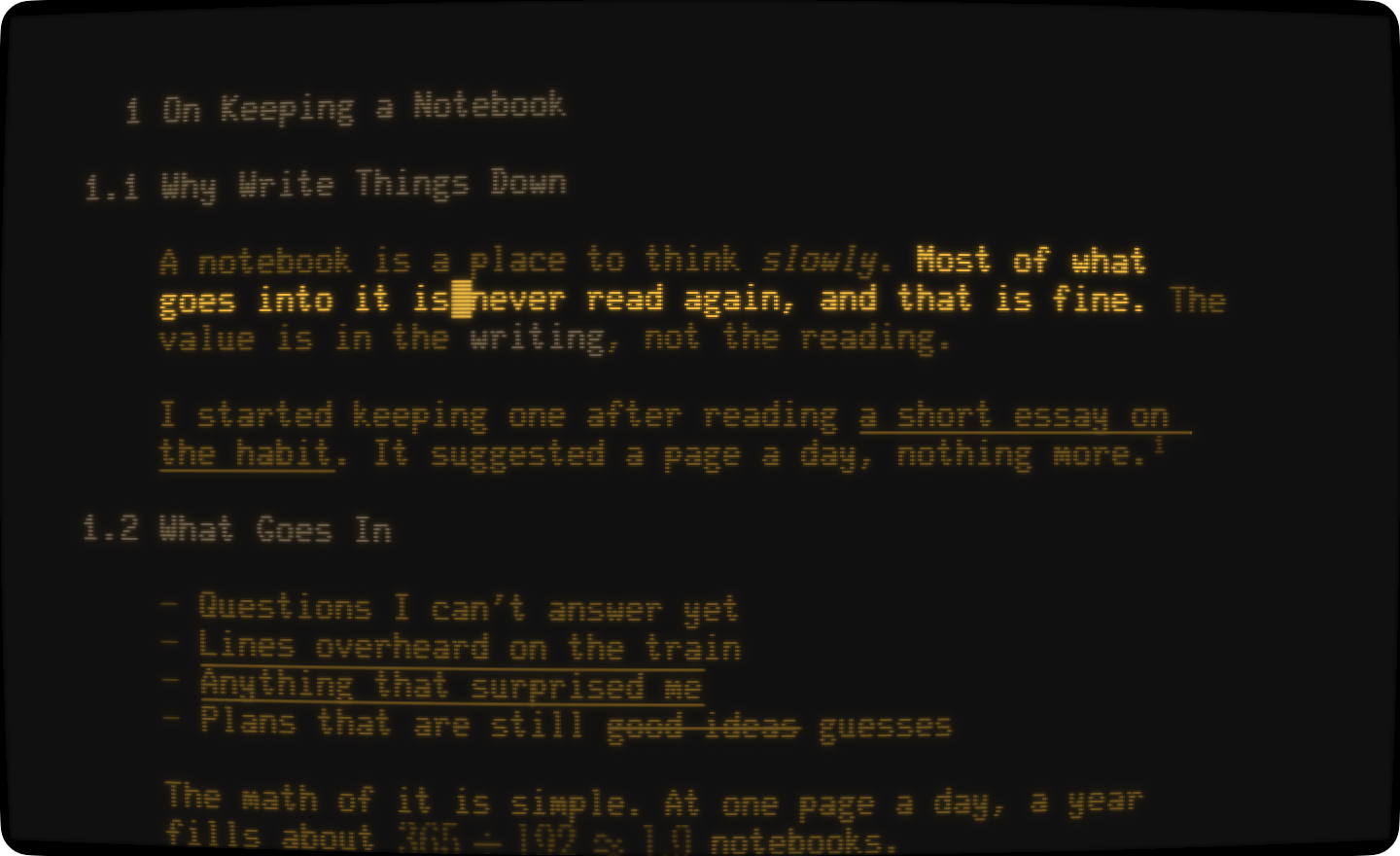
Focus mode dims everything except what you're writing. Typewriter mode keeps the line you're writing in one place on screen.
Writing Focus Mode
To turn on focus mode
- View > Writing Focus Mode (Option-Command-F)
To choose what stays bright
- WriteRoom > Settings > General > Writing focus unit: Word, Sentence, Visual Line, or Paragraph
Sentence is the default.
Typewriter Mode
To turn on typewriter mode
- View > Typewriter Mode (Option-Command-T)
To choose where your line sits
- WriteRoom > Settings > General > Typewriter position: Top, Center, or Bottom
Center is the default.
TIP
Focus and typewriter modes aren't saved. They're off each time you launch WriteRoom.
Fade Titlebar While Typing
The title bar fades out as you type, and comes back when you move the mouse. Turn this off in WriteRoom > Settings > General > Fade title bar while typing.