Appearance
Typing Sounds
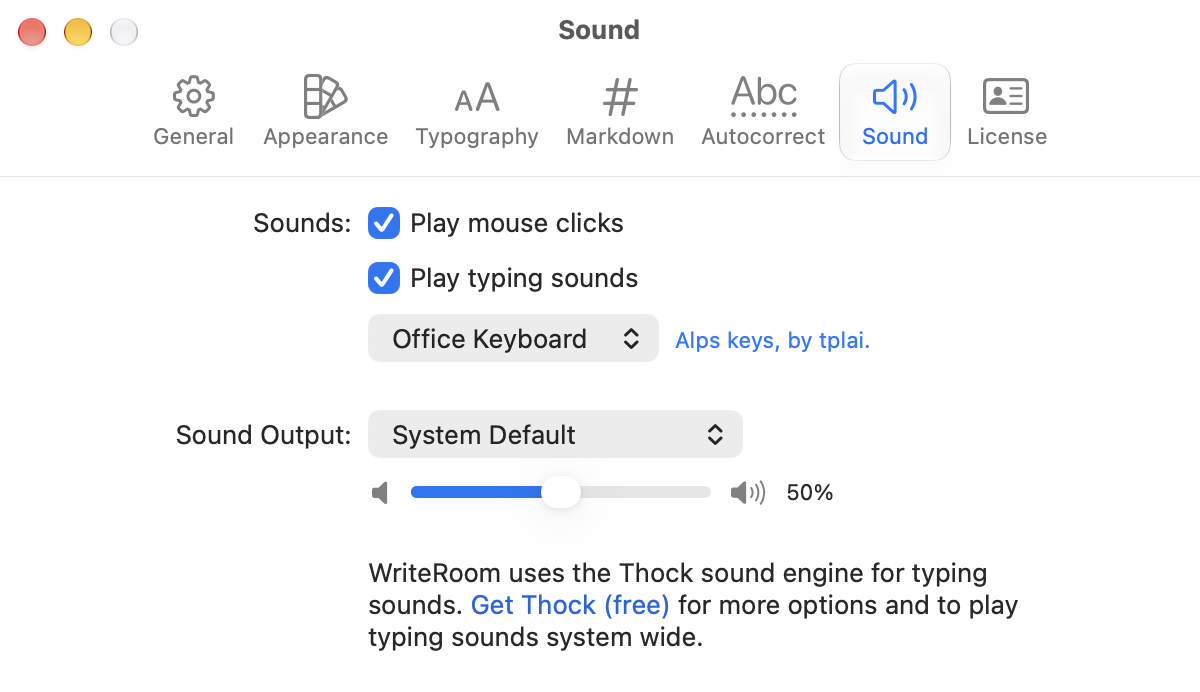
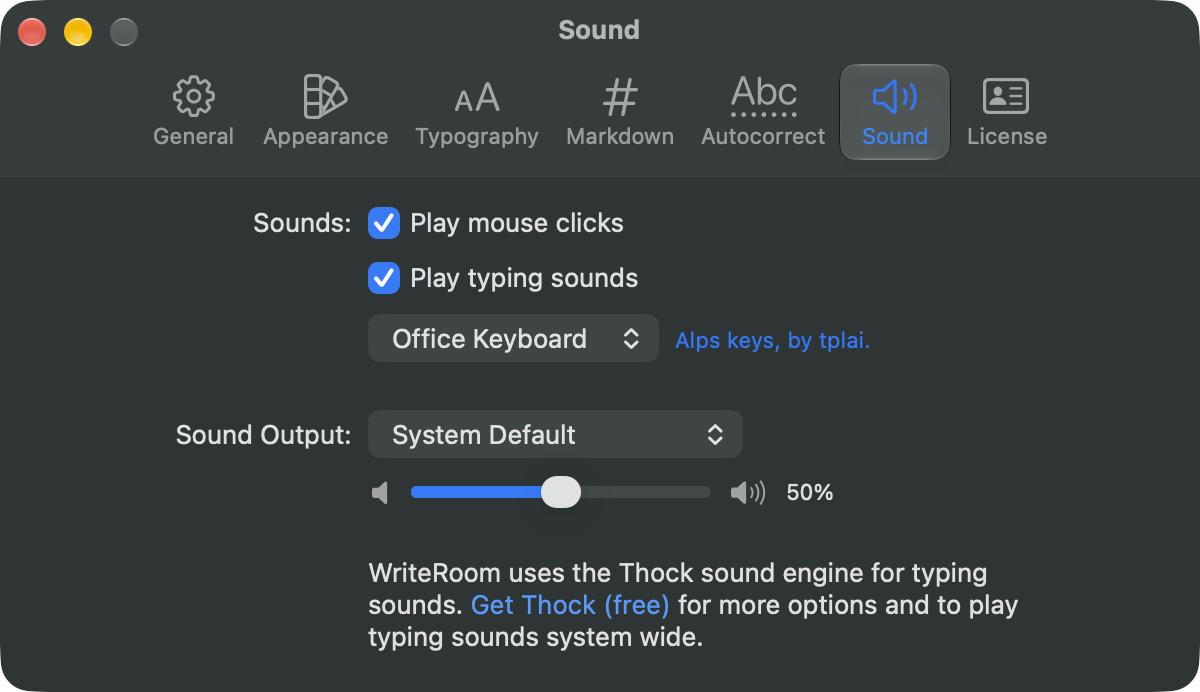
WriteRoom can play keyboard sounds as you type, and click sounds for your mouse. Find these in WriteRoom > Settings > Sound.
- Play mouse clicks
- Play typing sounds: Office Keyboard, Laptop Keys, Typewriter, or Terminal
- Sound Output: the device to play through, and the volume
To silence them without changing these settings, choose WriteRoom > Mute Sounds (Control-Command-A).
WriteRoom uses the Thock sound engine. Get Thock (free) for more sounds, and to play typing sounds in every app.