Appearance
Typography
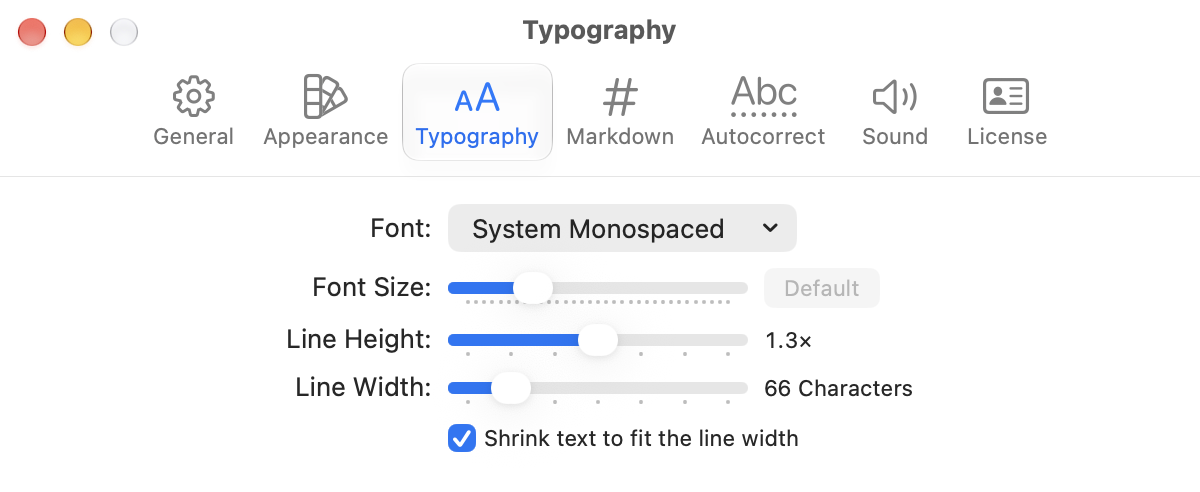
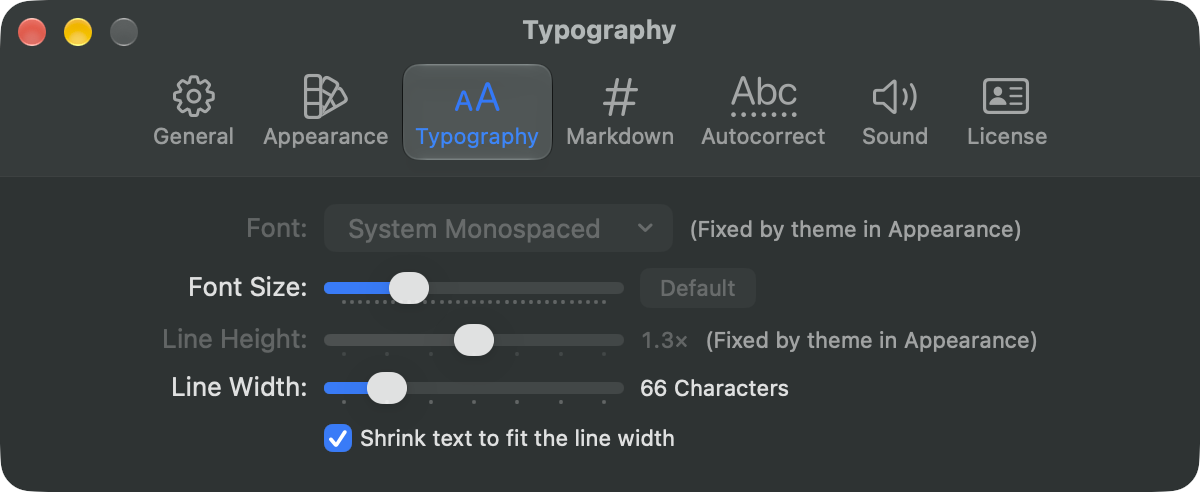
WriteRoom > Settings > Typography sets the font, size, line height, and line width for every window. View > Zoom In, Zoom Out, and Line Width change just the front window.
Line Width wraps text at the window's edge, or at a fixed number of characters centered in the window. 66 is the default. With a fixed width, Shrink text to fit the line width scales the text with the window: larger in a wide window, smaller in a narrow one.
Some themes set their own font and line height. Then those settings say "Fixed by theme in Appearance". See Using Themes.