Appearance
Using Find Bar
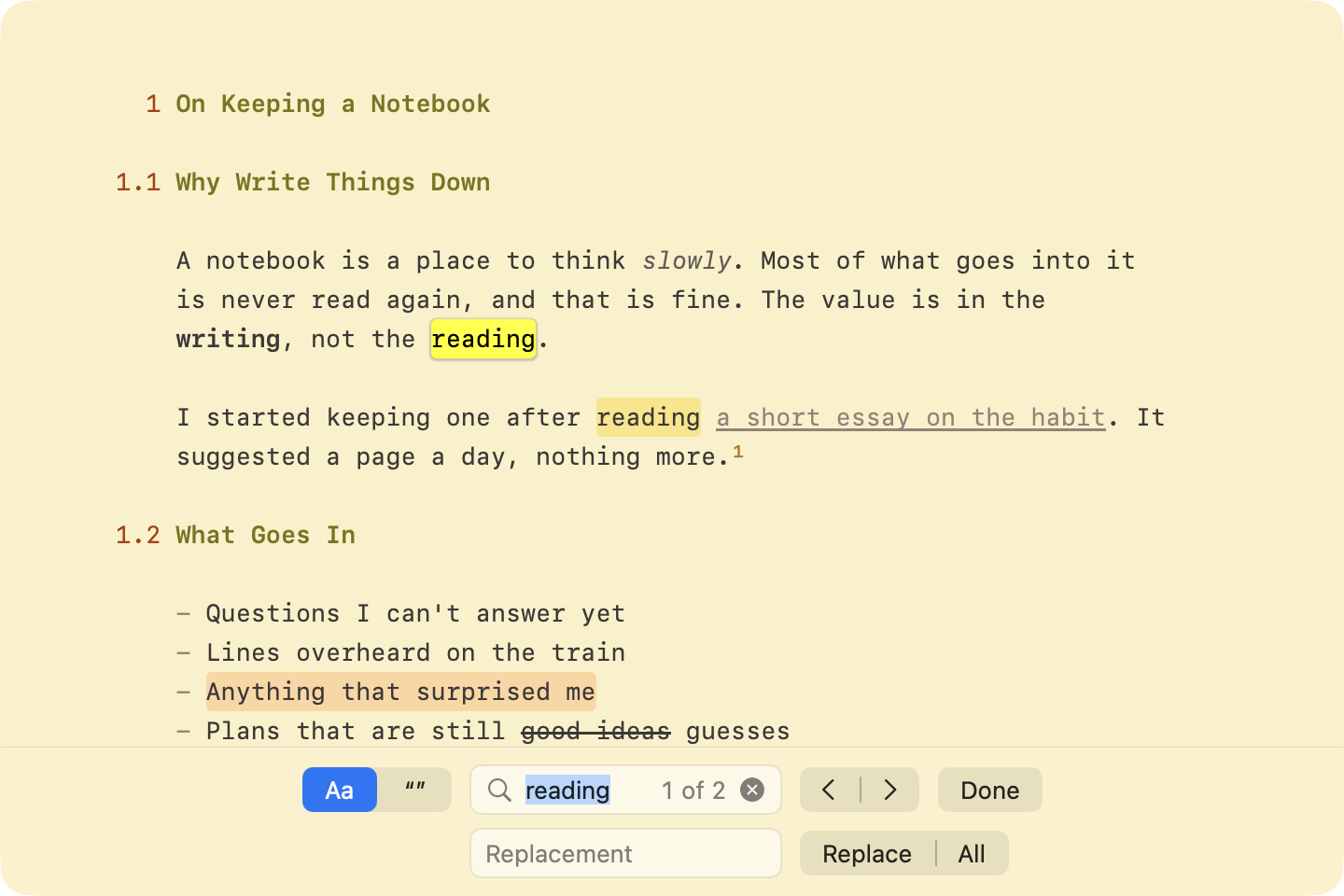
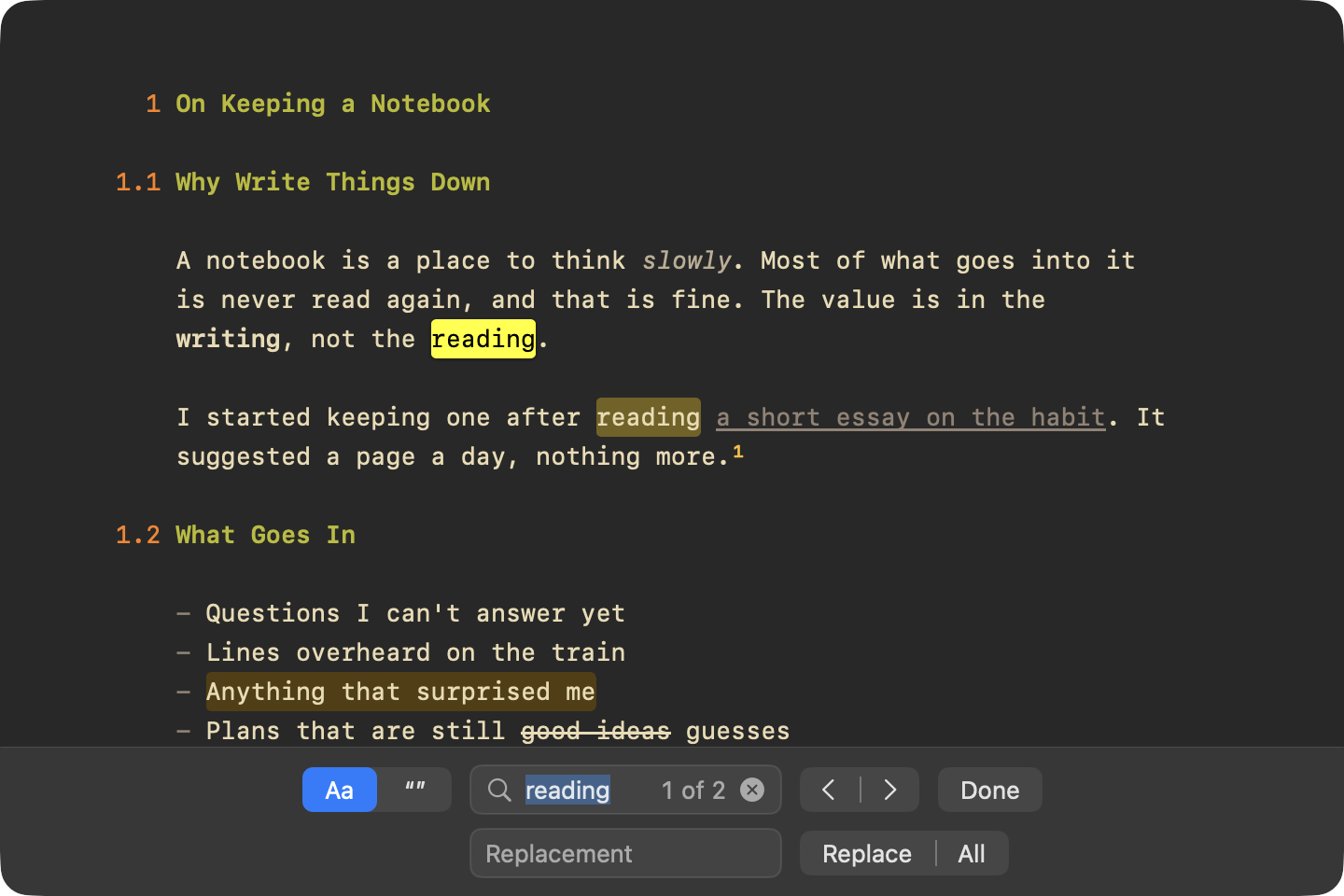
The find bar finds and replaces text in the current document. It opens at the bottom of the window.
To show the find bar
- Edit > Find > Find… (Command-F). The find bar always shows its replace field.
To go to the next or previous match
- Click the next or previous button in the find bar
- Or use Edit > Find > Find Next (Command-G) and Find Previous (Shift-Command-G)
To search for the selected text
- Edit > Find > Use Selection for Find (Command-E)
To scroll the selection into view
- Edit > Find > Jump to Selection (Command-J)
To replace
- Click Replace to replace the current match
- Click All to replace every match
To hide the find bar
- Click Done, or press Escape
Find Bar Options
Aa: match case. On by default.- Whole words: match only whole words.