Appearance
Hard-Wrapped Markdown
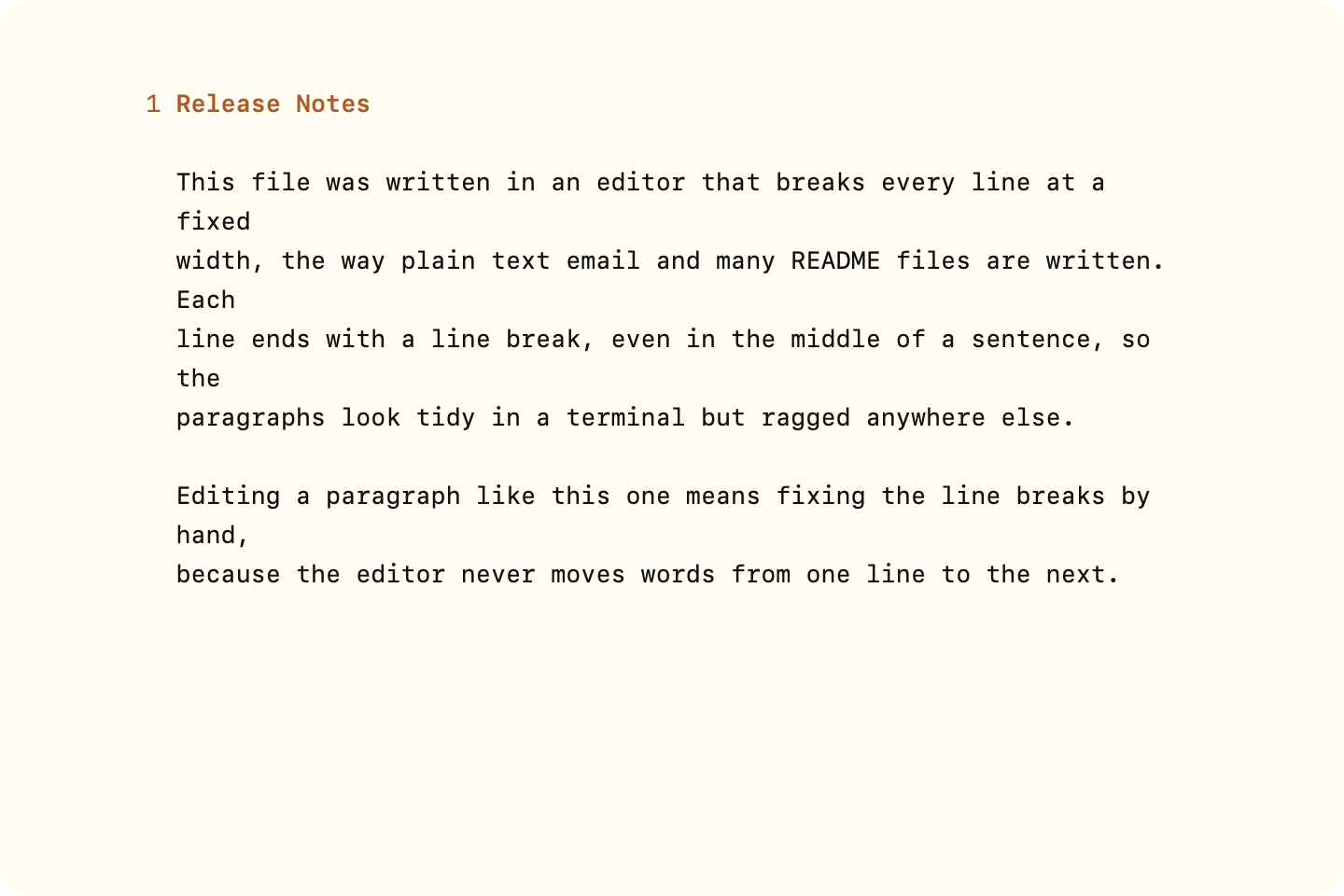
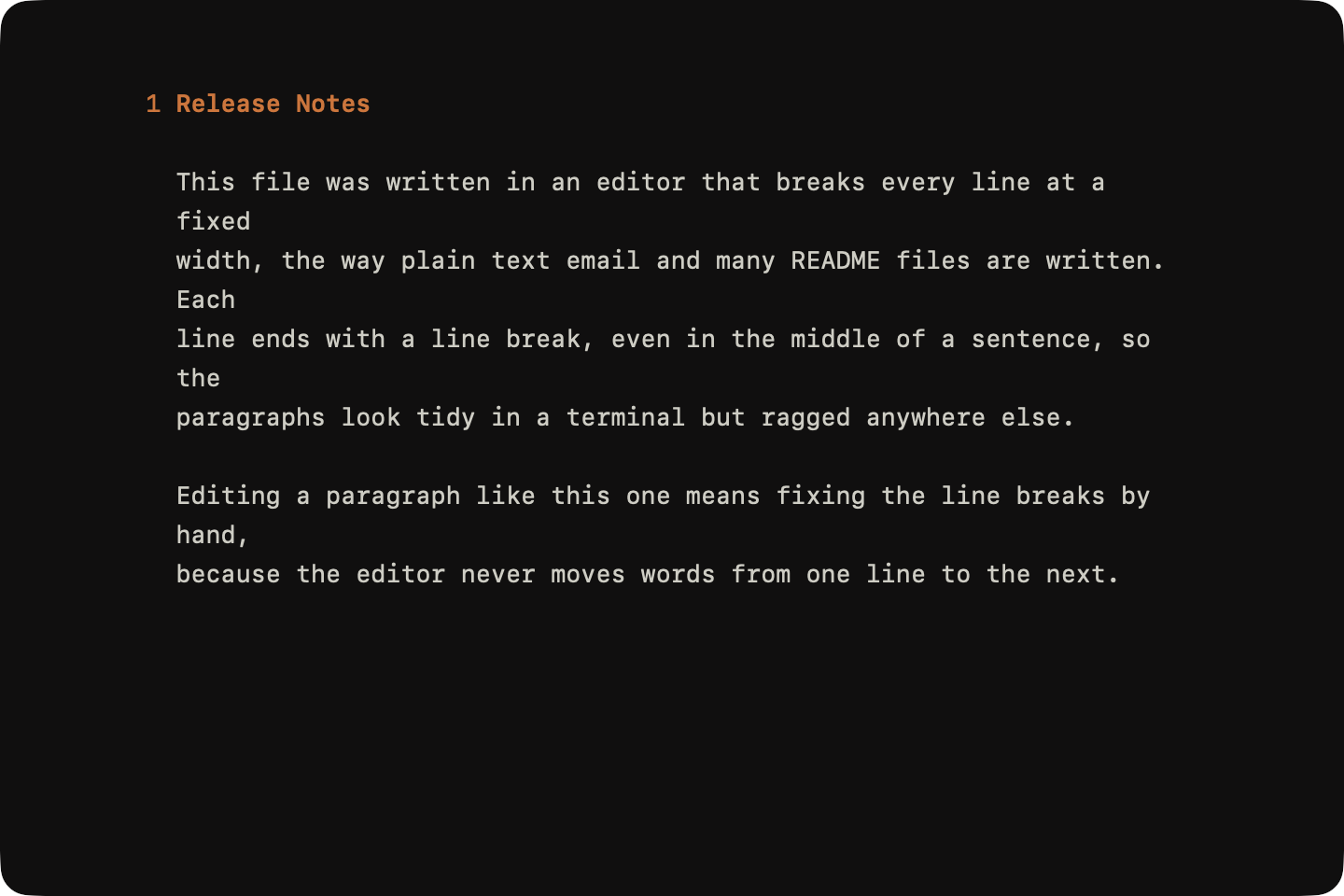
Hard-wrapped Markdown ends every line with a line break, at a fixed width such as 72 or 80 characters. Many READMEs are written this way.
WriteRoom wraps paragraphs to fit the window (or line wrap setting) and never rewraps those line breaks, so an edited paragraph goes ragged. WriteRoom tells you when you open a hard-wrapped document.
To unwrap paragraphs
- Edit > Transformations > Unwrap Paragraphs
With no selection it unwraps the whole document. With a selection, only the paragraphs it touches. Headings, lists, quotes, code blocks, and line breaks you mean stay as they are.
Line Breaks You Mean
In Markdown, a single line break inside a paragraph counts as a space. To keep a line break, for an address or a poem, end the line with a backslash (\) or two spaces (··).
To add a line break
- Press Shift-Return
WriteRoom writes the backslash and starts the new line. In a list or quote the new line stays in the same item or quote. Where Markdown has no line breaks, such as in a heading or code block, Shift-Return works like Return.
To keep every line break
- WriteRoom > Settings > Markdown > Line Breaks: Keep every line break
With this on, every line break inside a paragraph stays a line break when you copy or export. It applies to all documents. Unwrap Paragraphs still joins lines when you ask it to.