Appearance
Clean Up & Check
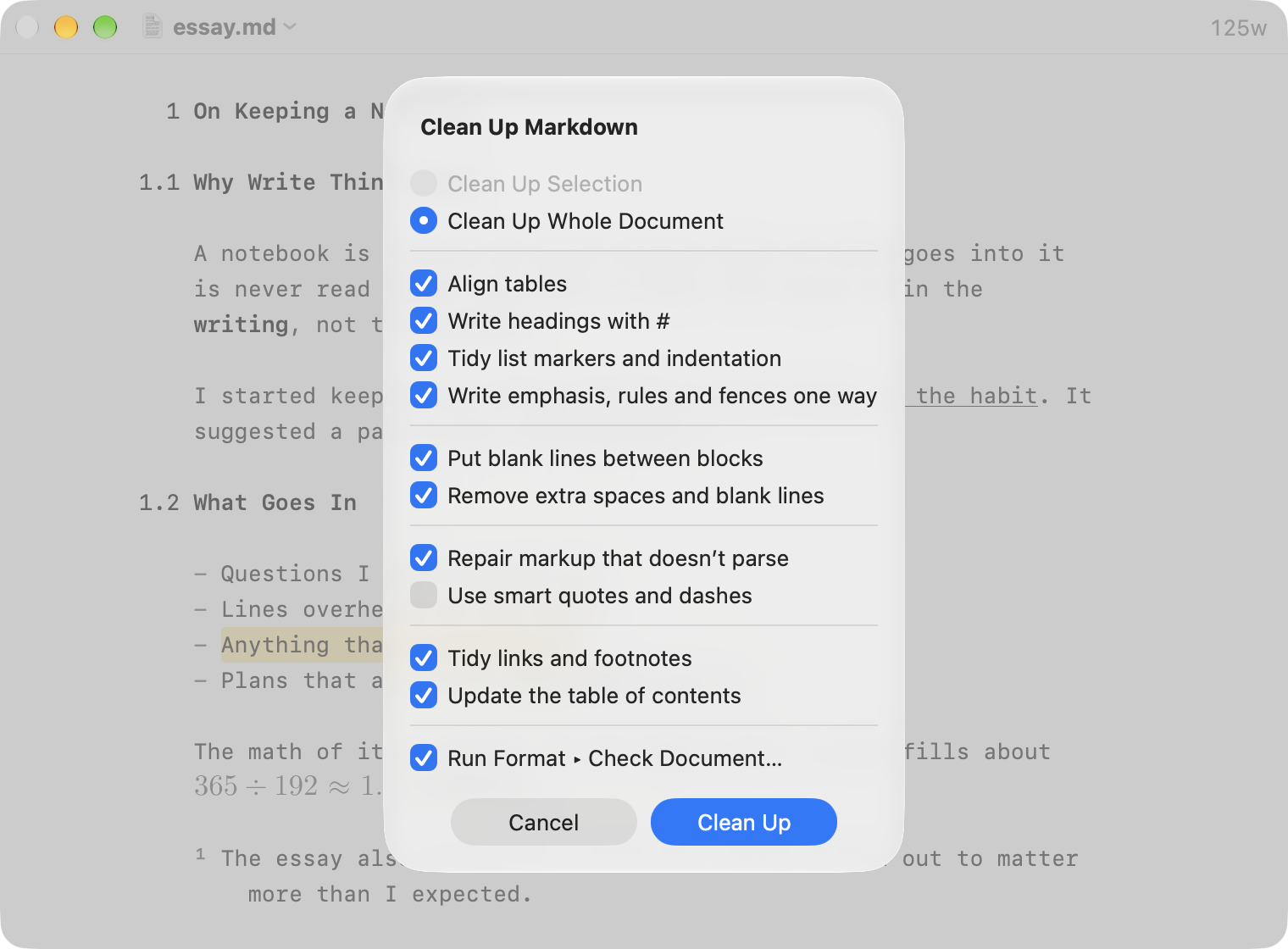
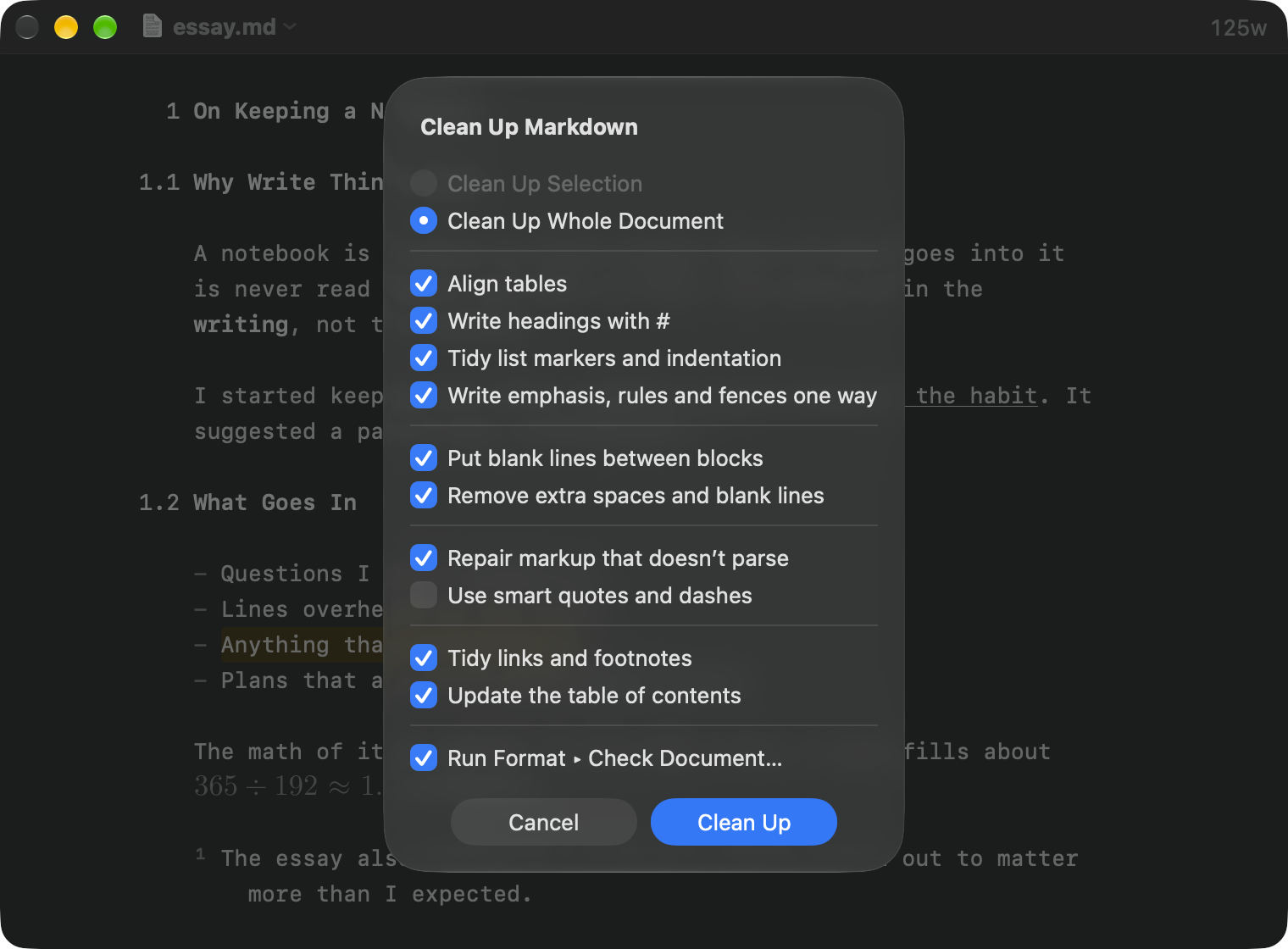
Markdown can say the same thing many ways. Clean Up Markdown rewrites a document so it says each thing one way. Check Document finds problems without changing anything.
Clean Up Markdown
To clean up a document
- Format > Clean Up Markdown…
- Choose the whole document or the selection
- Check the rules you want, and click Clean Up
Every rule starts on except smart quotes and dashes. WriteRoom remembers what you check. Tidying links and footnotes and updating the table of contents need the whole document, so they're skipped for a selection.
Clean Up is one step to undo. Then it runs Check Document, unless you turn that off in the sheet.
Check Document
To check a document
- Format > Check Document…
It lists problems such as:
- a reference or footnote with no definition, or a definition nothing uses
- a link to a heading that doesn't exist, or to a missing file
- a heading that skips a level, or two headings with the same name
- an image with no alternate text, or a code block that names no language
Click Show in Document to go to a problem. Where WriteRoom has a fix, click Use Suggestion, or Use All Suggestions.
Renaming Headings
To rename a heading
- Format > Headings > Rename Heading…
Links to the heading change to match.