Appearance
Using Themes
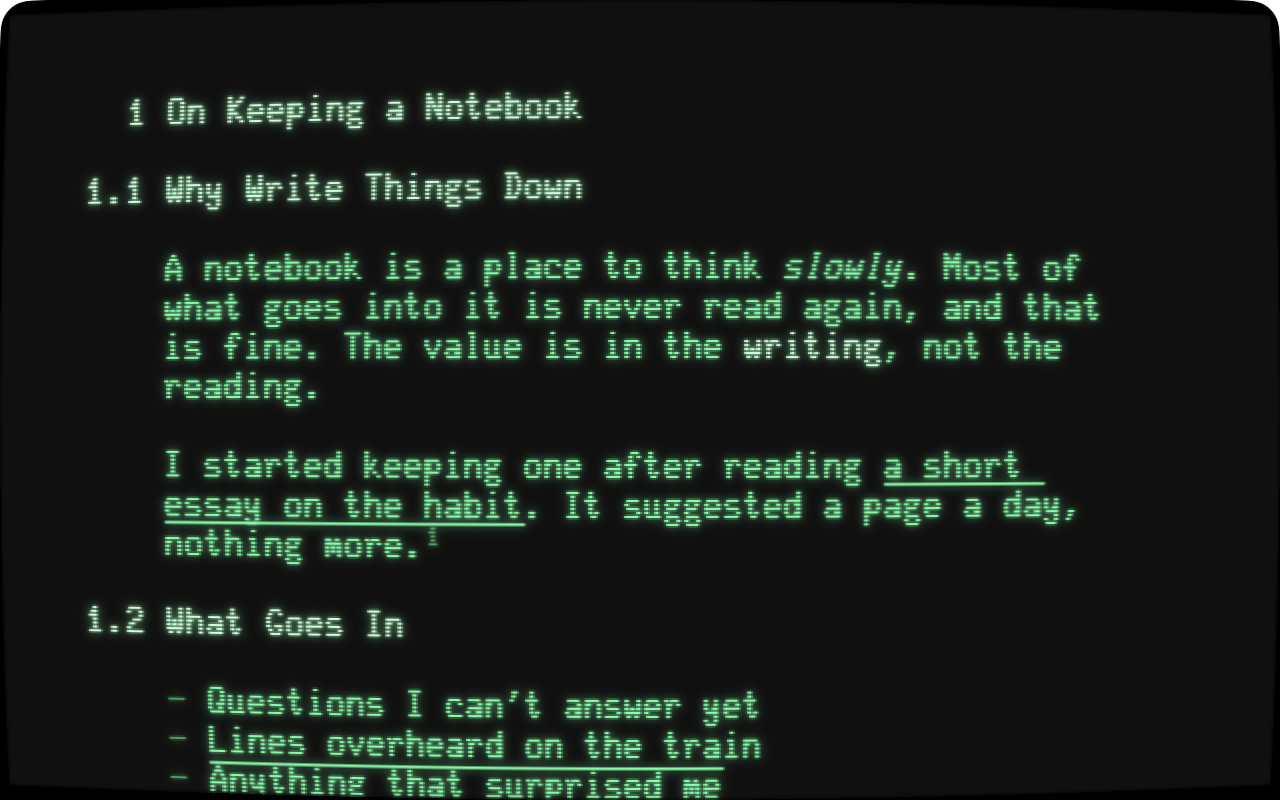
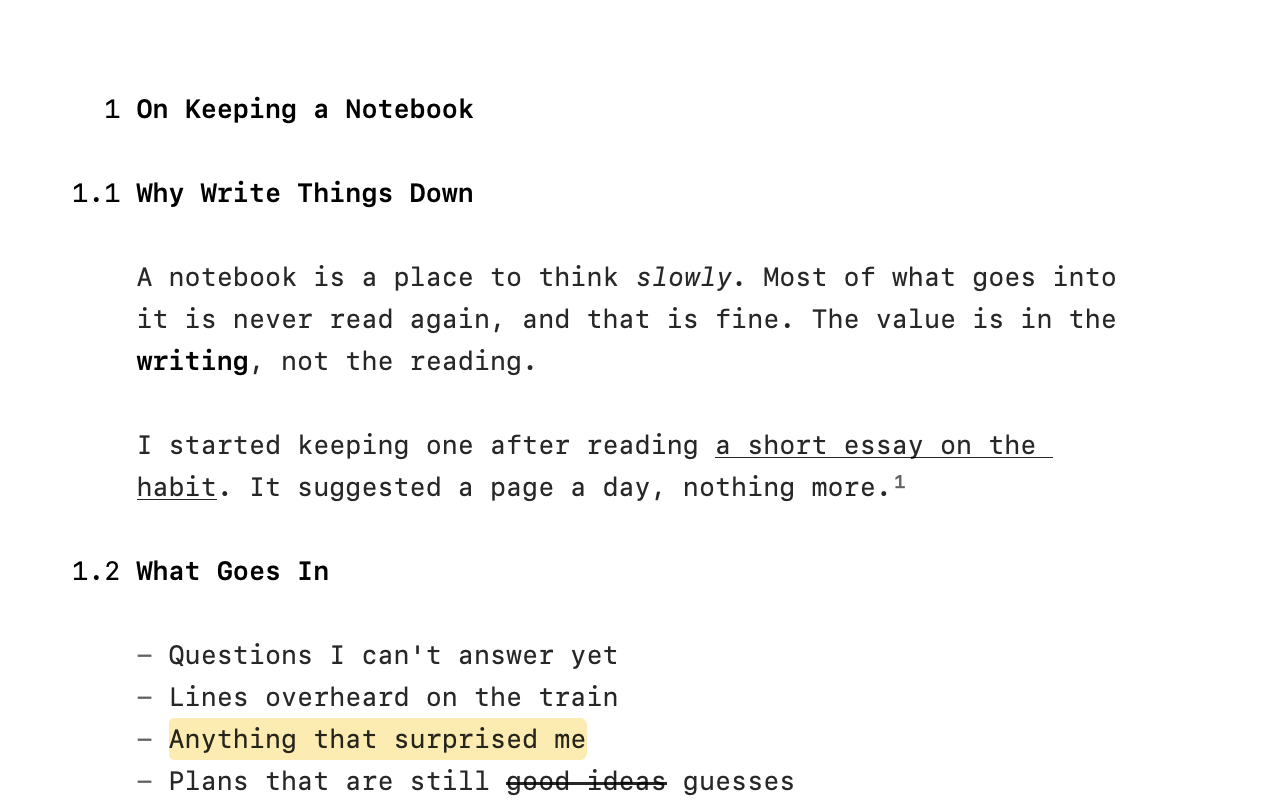
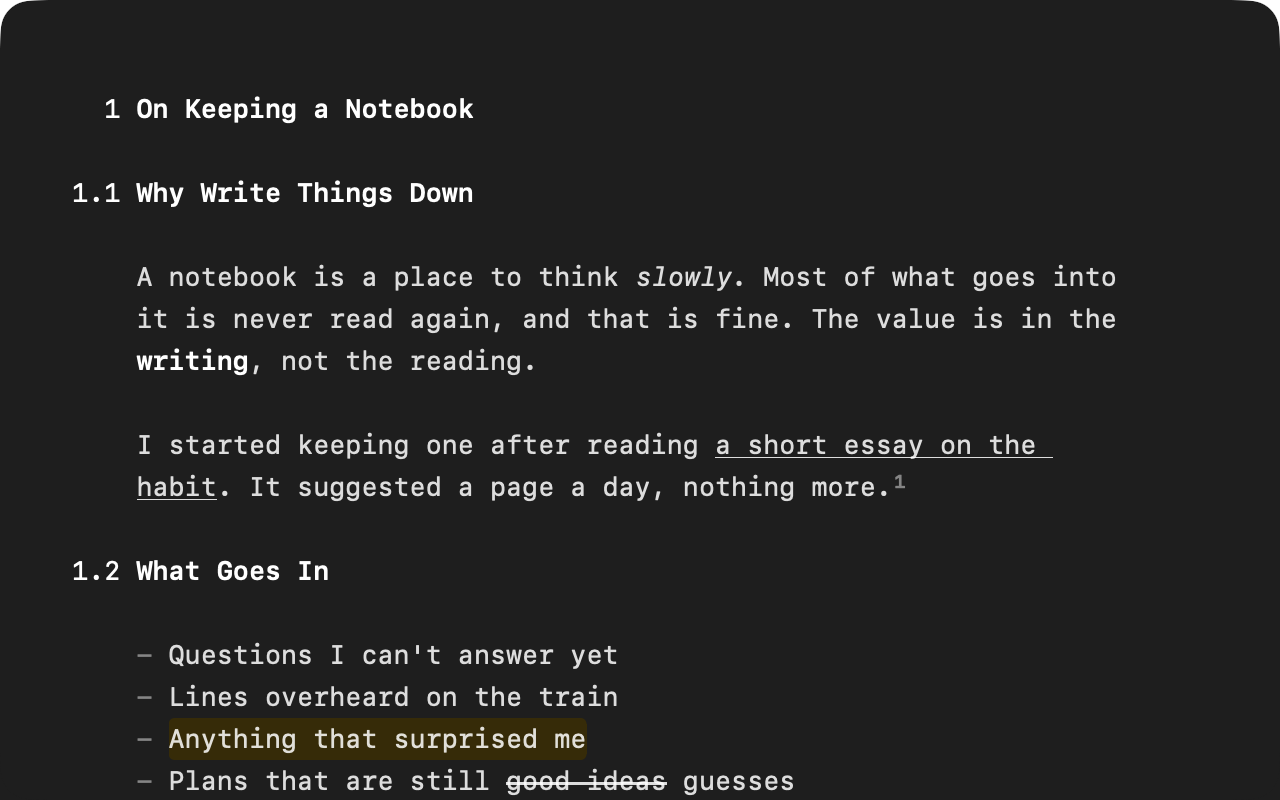
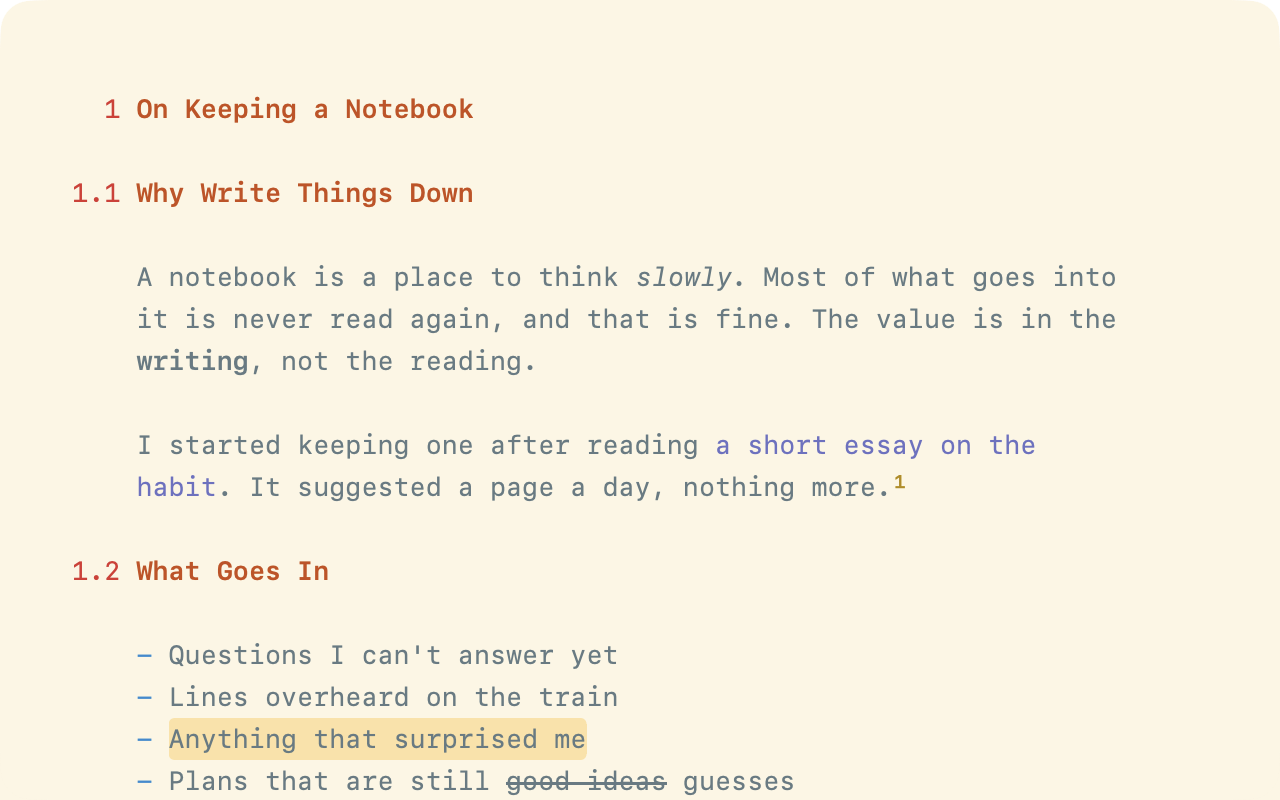
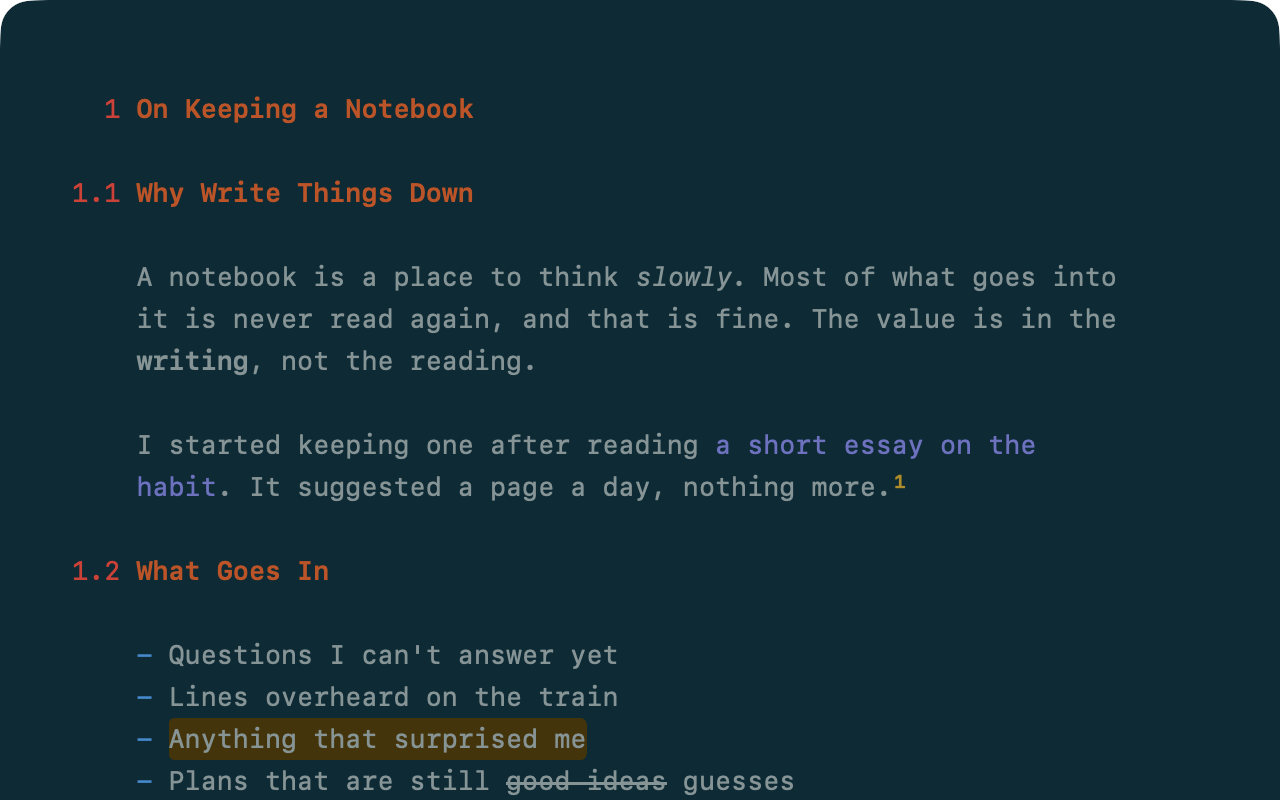
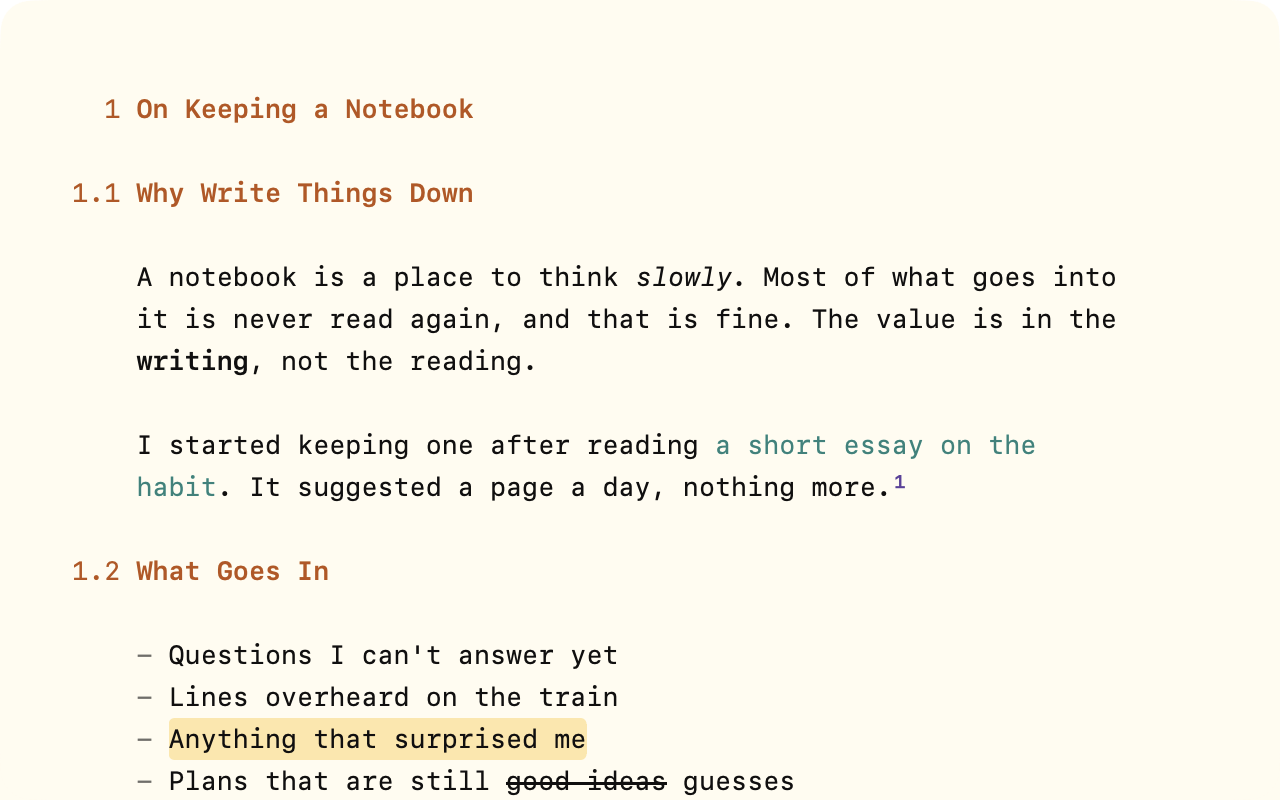
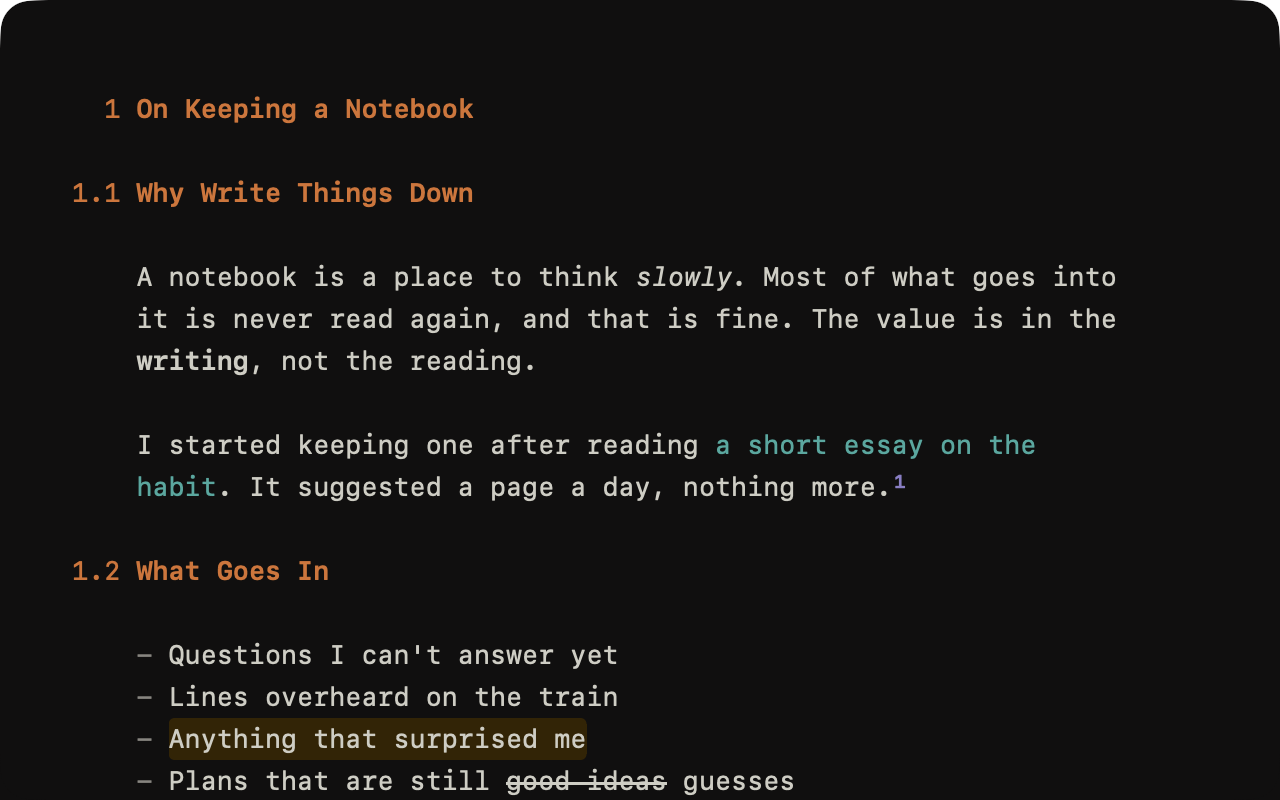
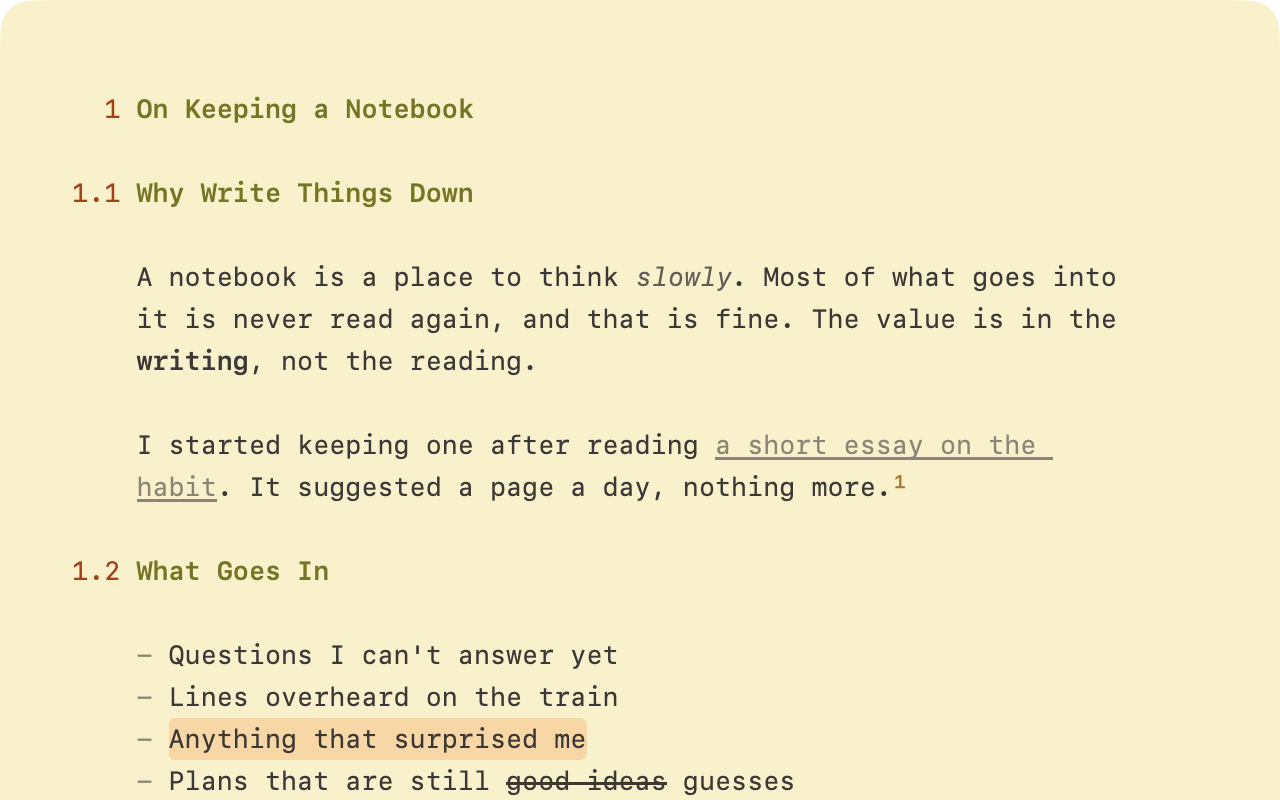
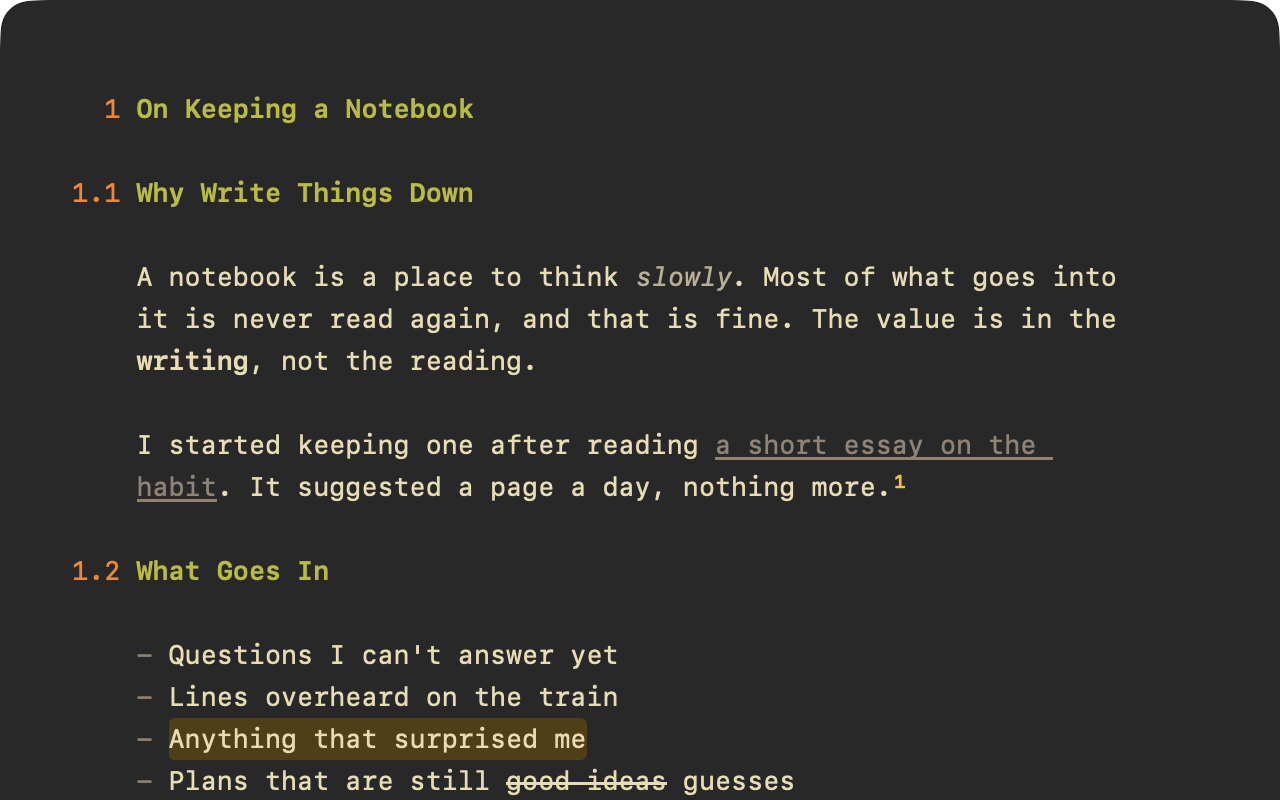
Themes set WriteRoom's colors, fonts, and screen effects. WriteRoom 4.0 comes with five: DEC Terminal, a VT220 terminal (back to the '80s, man!); System, from your Mac's own colors; and three well-known color schemes, Solarized by Ethan Schoonover, Flexoki by Steph Ango, and Gruvbox by morhetz. DEC Terminal is dark only.
How Themes Work
WriteRoom has a Light Theme and a Dark Theme. Auto, Light, or Dark chooses between them, and Auto follows your Mac. WriteRoom starts in Dark, with DEC Terminal.
Settings sets these for every window. View > Theme changes just the front window.
To choose themes for every window
- WriteRoom > Settings > Appearance: choose Auto, Light, or Dark, then a Light Theme and a Dark Theme
To choose a theme for one window
- View > Theme: choose Auto, Light, or Dark, then a theme
- Or click the count and use Theme in This Window Settings, which stays open while you try themes
Light or Dark keeps that window as it is when your Mac switches.
DEC Terminal Options
When DEC Terminal is the current theme, Settings > Appearance shows its options.
- Variant is the phosphor color: Green, Amber, White, or Custom, any color you pick
- Sliders set the glow, the curve of the glass, how softly the beam draws each dot, and the brightness behind the text. Each has a reset button.
These apply to every window showing DEC Terminal.
Themes and Typography
A theme can set its own font and line height. DEC Terminal uses the VT220's own font. When a theme sets them, the Font and Line Height settings in Typography say "Fixed by theme in Appearance".