Appearance
Markdown Tables
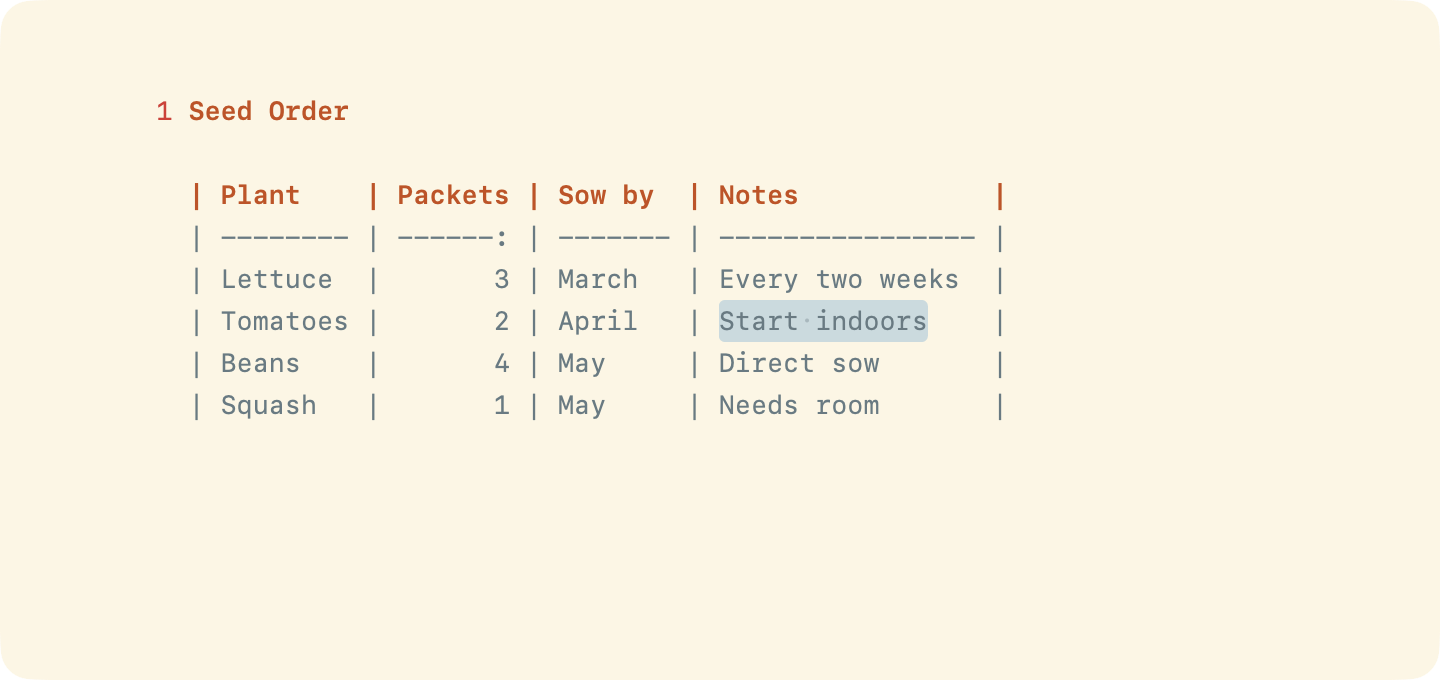
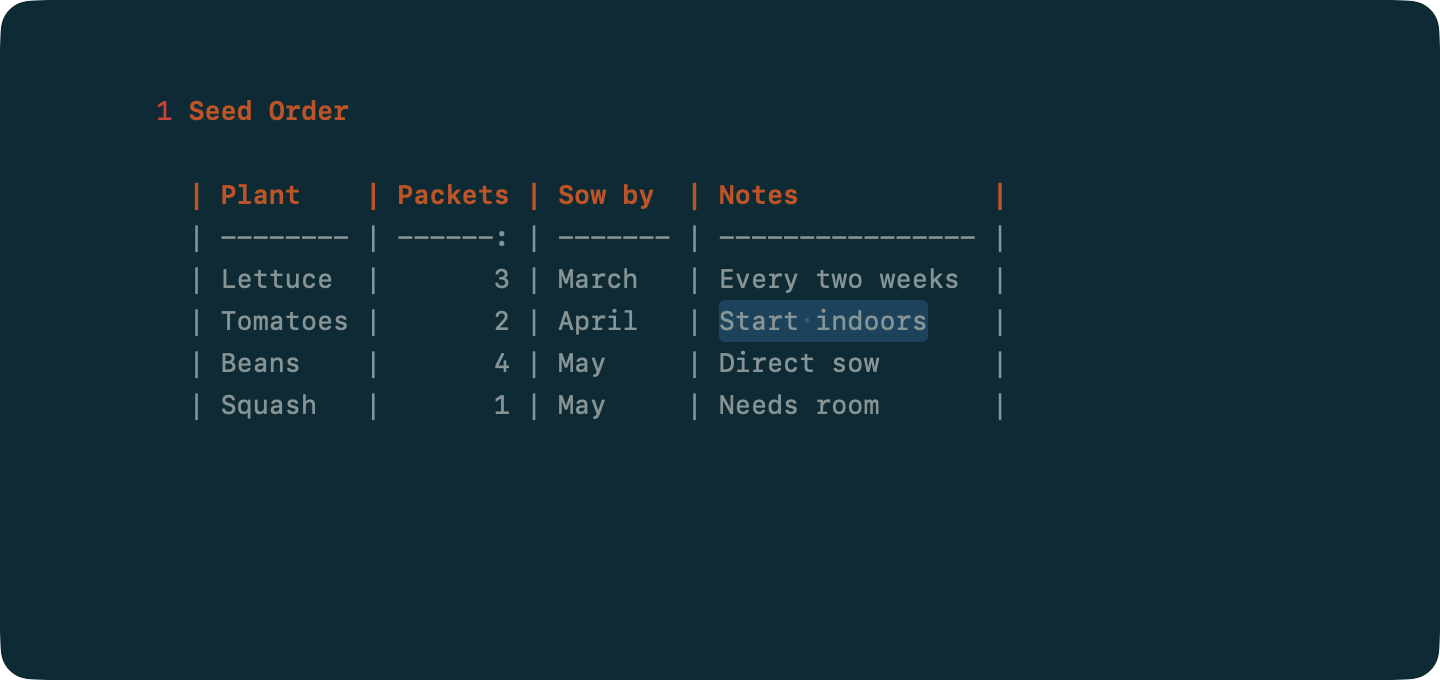
WriteRoom edits GitHub-style Markdown tables and keeps their columns lined up.
markdown
| Name    | Age |
| ------- | --: |
| Ada     |  36 |
| Charles |  79 |
Making a Table
To make a table
- Format > Table > Insert Table
- Format > Table > Convert to Table, with lines separated by tabs, commas, or semicolons selected
Moving Around
- Tab and Shift-Tab move to the next and previous cell
- Return adds a row below. Press it on an empty row to end the table.
- Shift-Return adds a row above
Rows and Columns
Format > Table inserts, deletes, moves, and sorts rows and columns. The Table menu is also in the editor's Control-click menu.
- Move a row: Option-Command-Up or Option-Command-Down
- Move a column: Control-Command-Left or Control-Command-Right
- Insert a column after or before: Option-Command-Return or Shift-Option-Command-Return
Sort Rows sorts by the column the caret is in, numbers as numbers. The header stays put.
Alignment
WriteRoom pads cells with spaces so the columns line up.
Choose when in WriteRoom > Settings > Markdown > Tables:
- Align as you type (default)
- Align when you press Tab or Return
- Only with Align Table
To align a table now
- Format > Table > Align Table (Option-Command-\)
To align a column right or center, type a colon at the end or both ends of its dashes: --: or :-:.
A table wider than the text spreads into the margins.