Appearance
Plain Text & Markdown
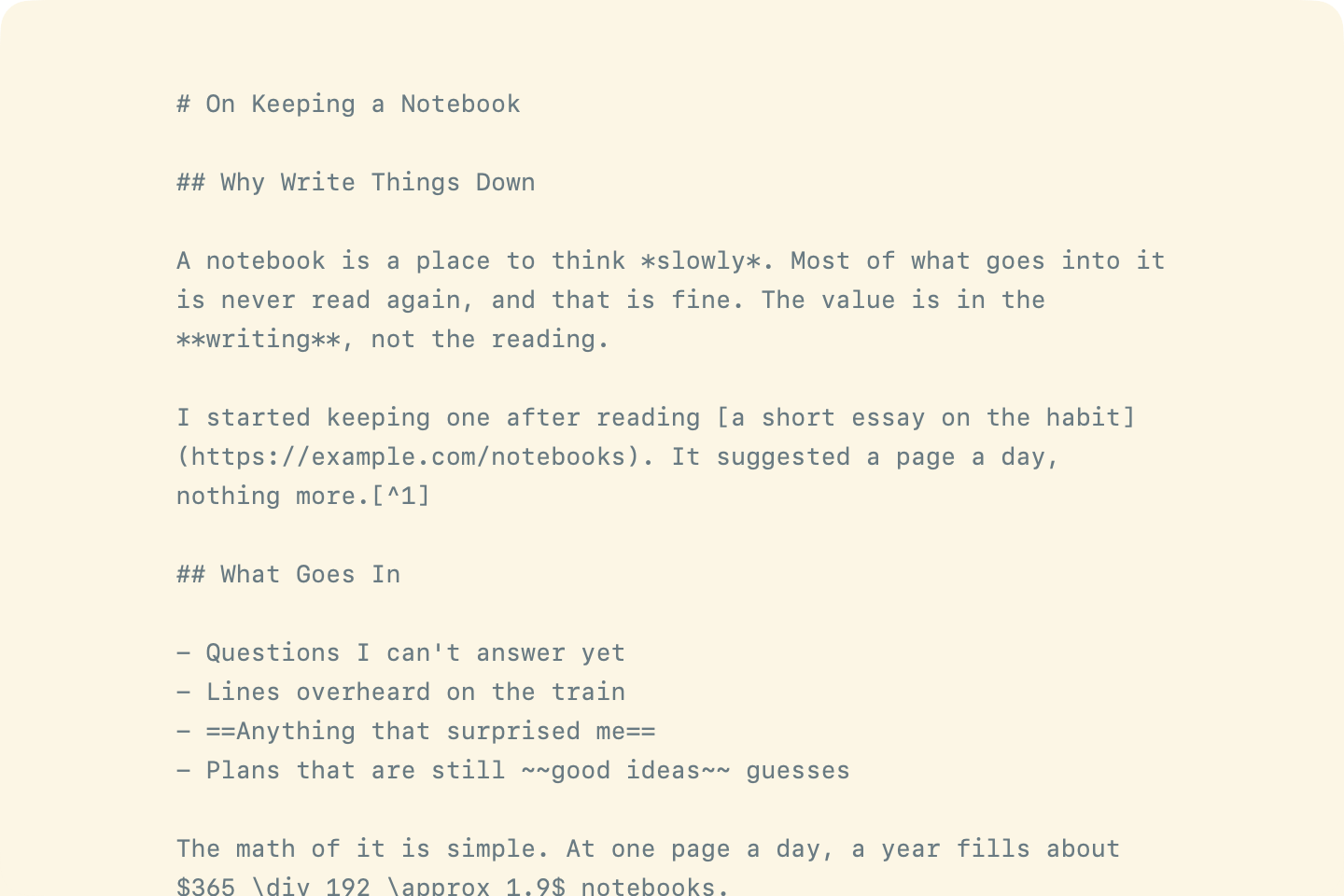
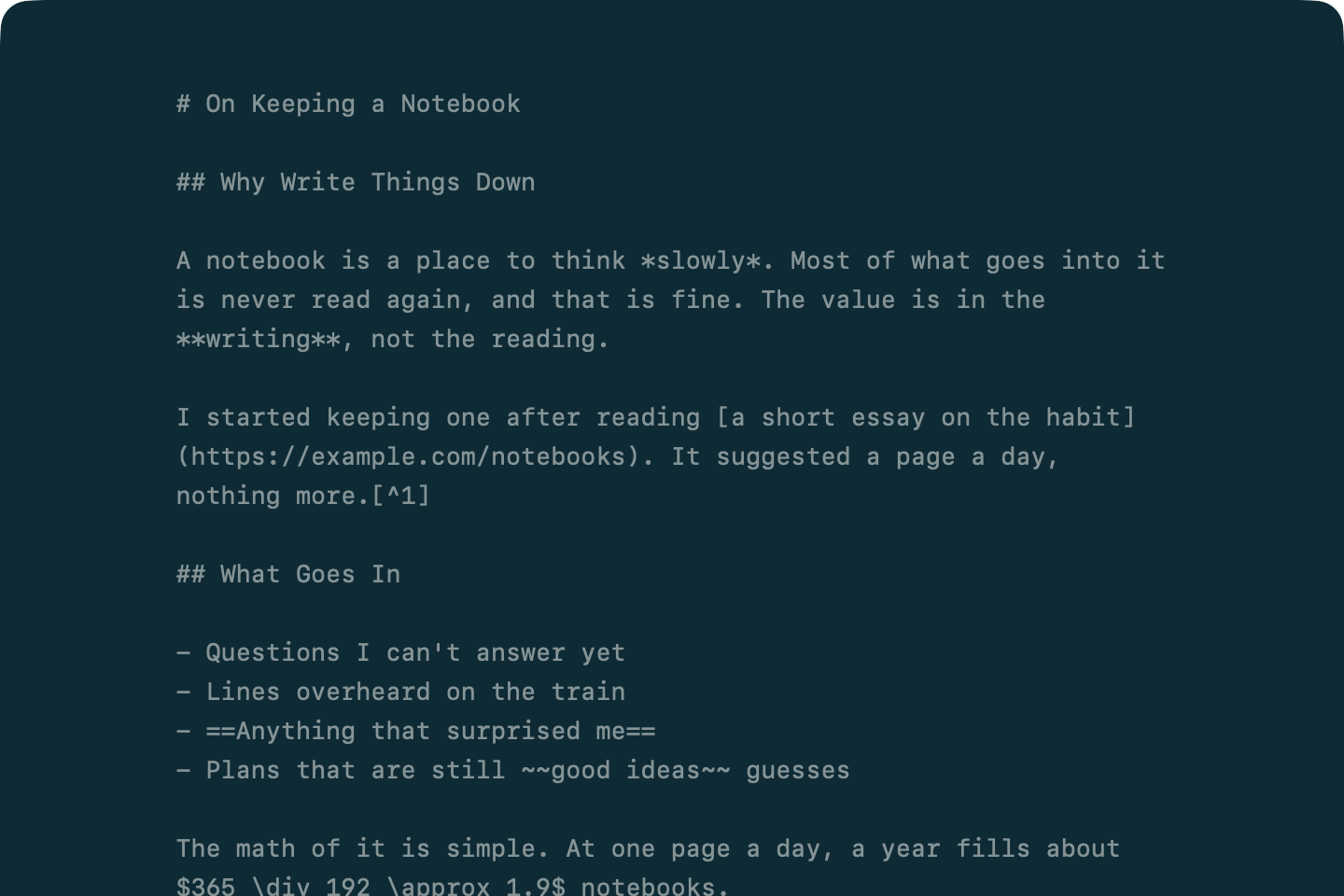
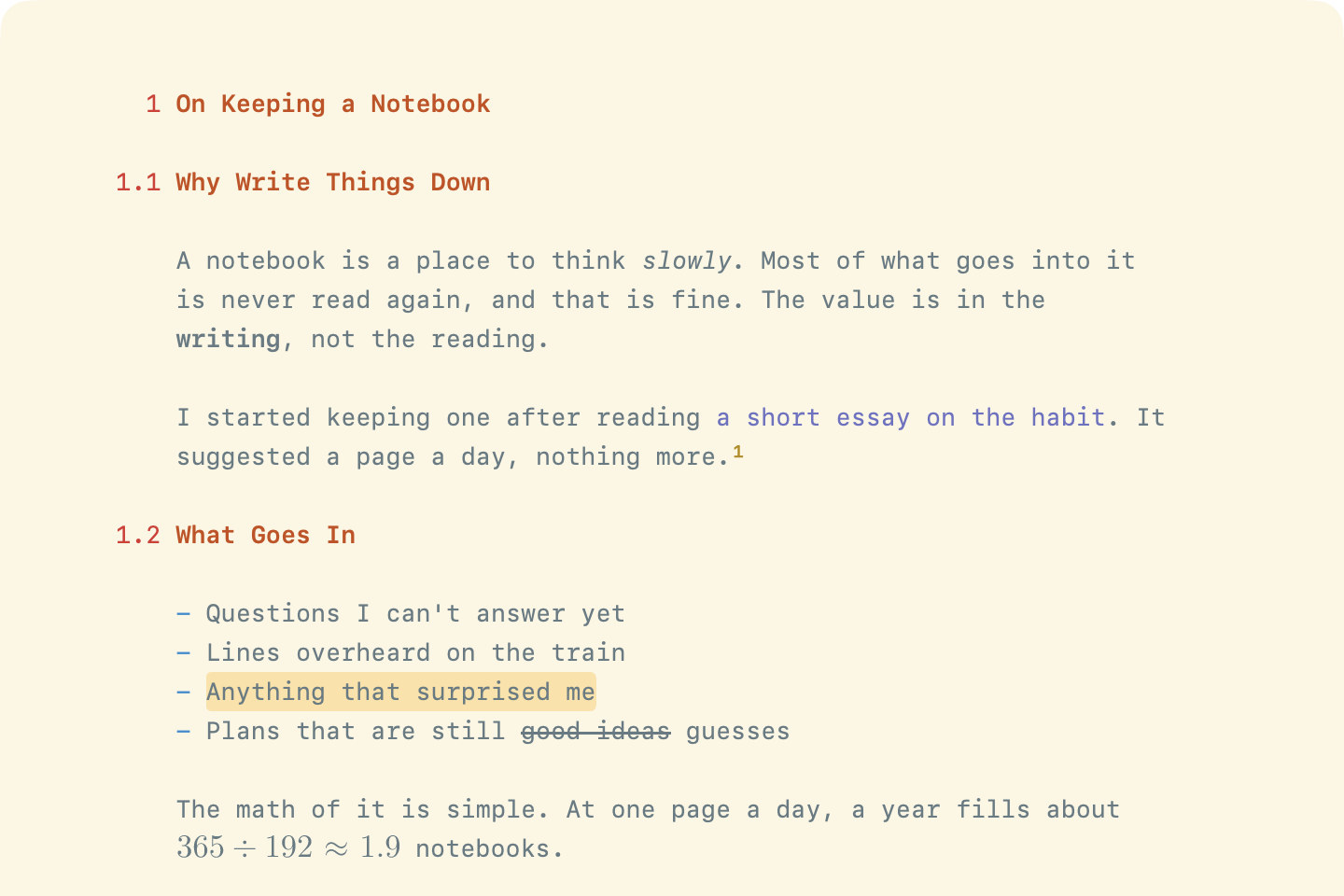
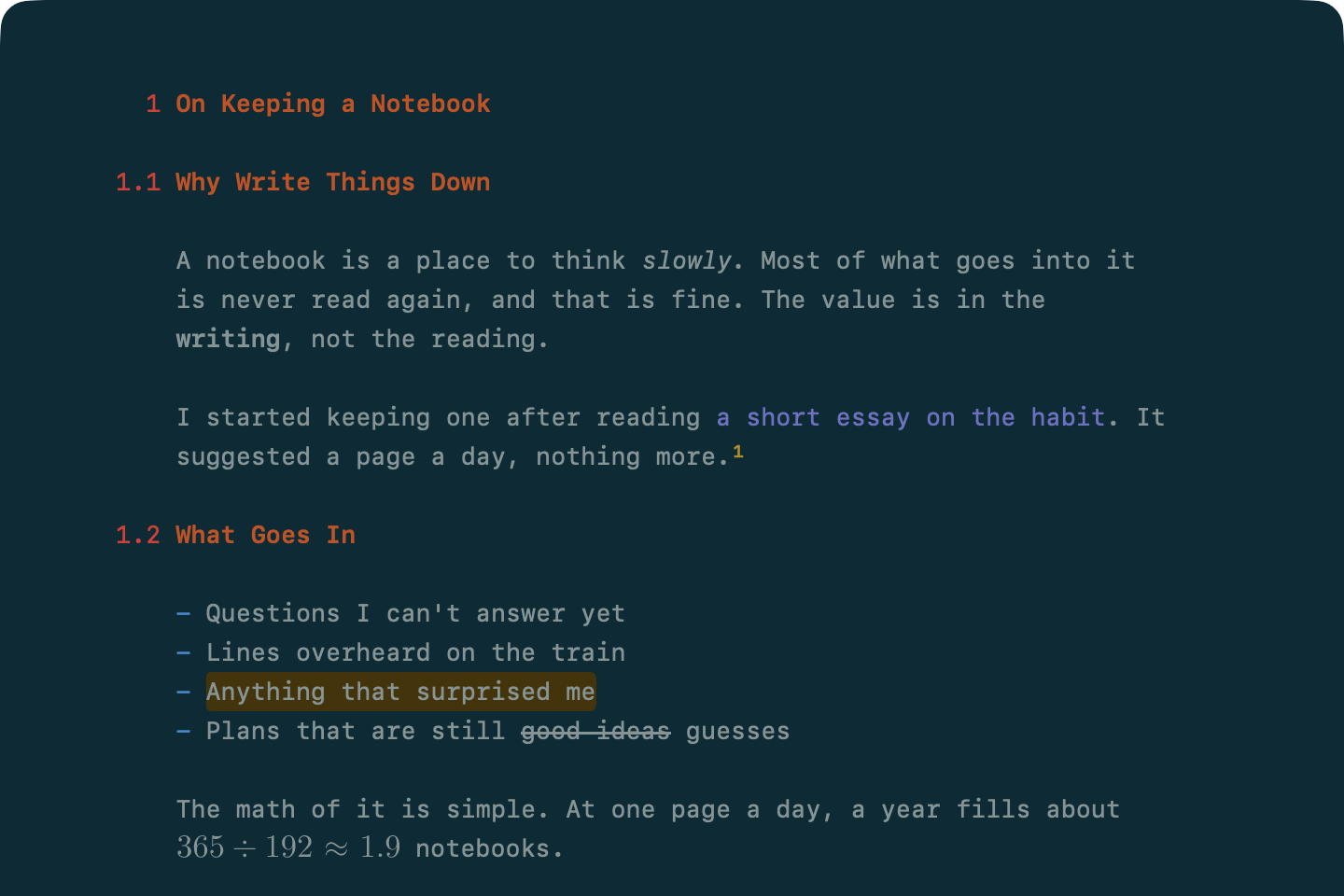
Every WriteRoom document is either plain text (.txt) or Markdown (.md). Markdown documents get heading and list colors, the Format menu, and Hide Formatting. Plain text documents are just text. For .rtf files, see Rich Text Documents.
To choose the format for new documents
- WriteRoom > Settings > General > New Document: Markdown (.md) or Plain (.txt)
File > New Markdown (Command-N) makes that format. The item below it, New Plain (Option-Command-N), makes the other one. The two swap when you change the setting.
To switch a document's format
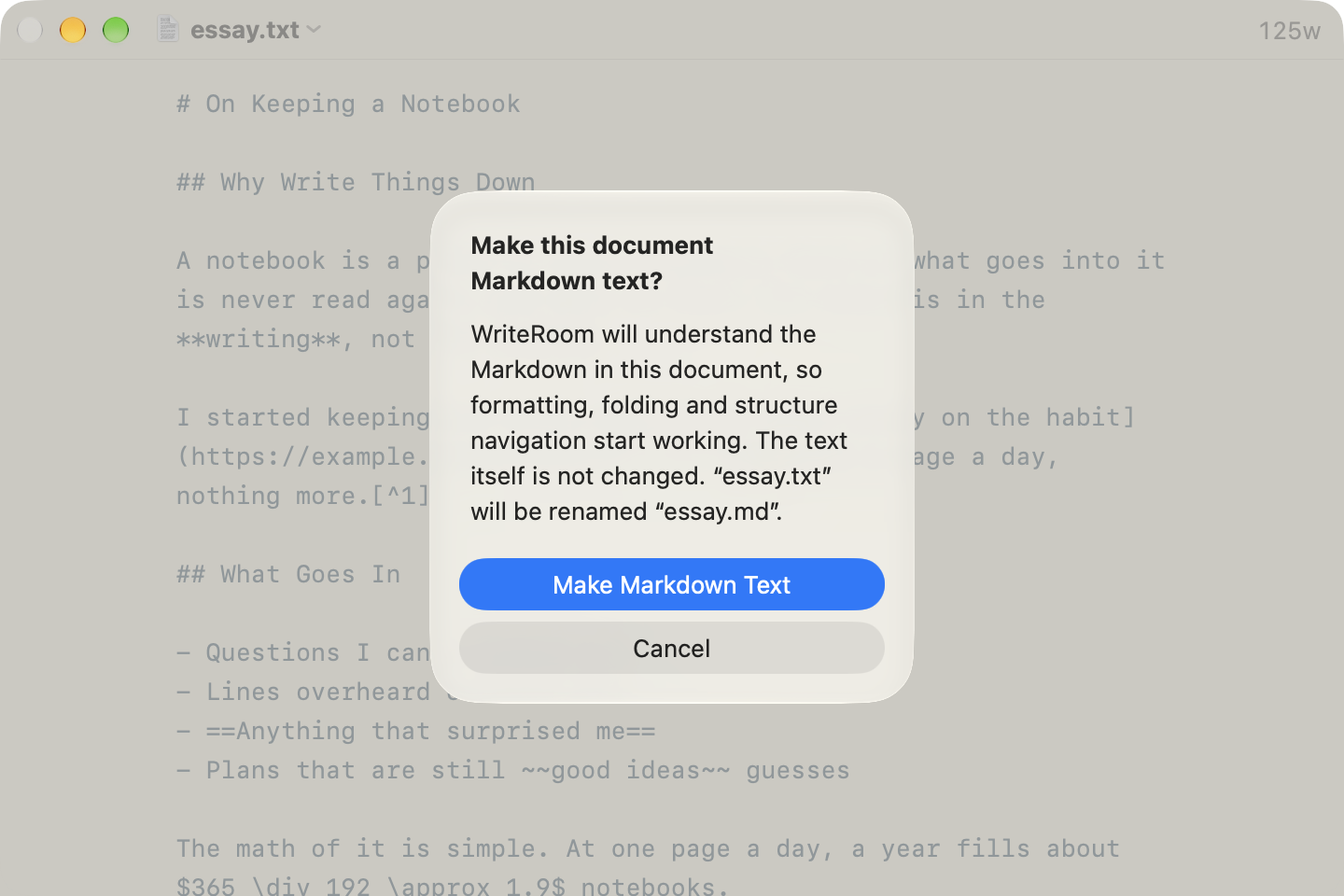
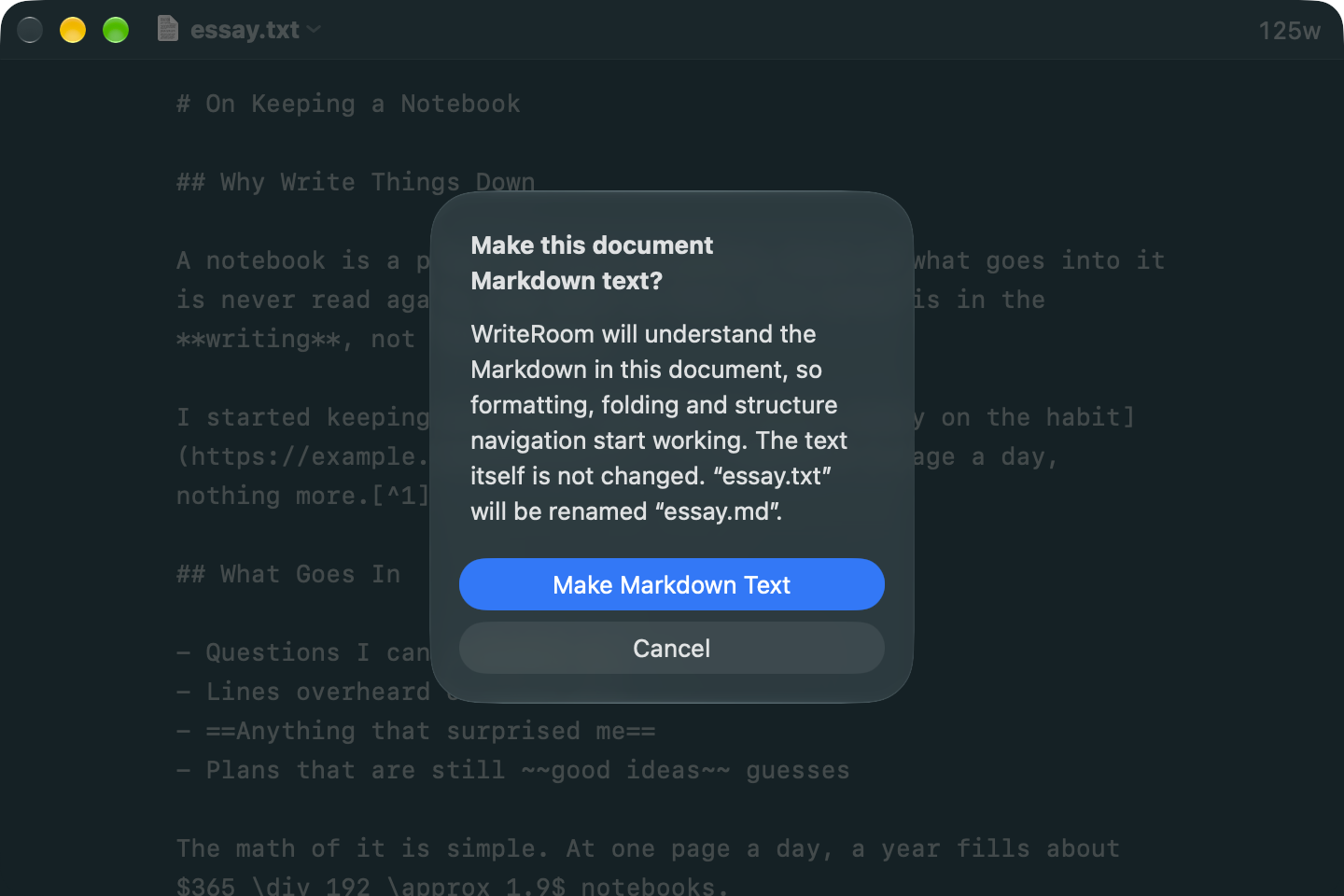
- Format > Make Markdown Text or Make Plain Text (Shift-Command-T)
WriteRoom asks first, then changes the file's extension in place. Your text isn't changed.
If you use a Markdown command, like Format > Bold, in a plain text document, WriteRoom offers to make it a Markdown document.