Appearance
Outline Viewing
Bike gives you two ways to navigate and stay focused in a large outline:
- Fold rows to see the big picture
- Focus into rows to work on the details
To fold rows in your outline
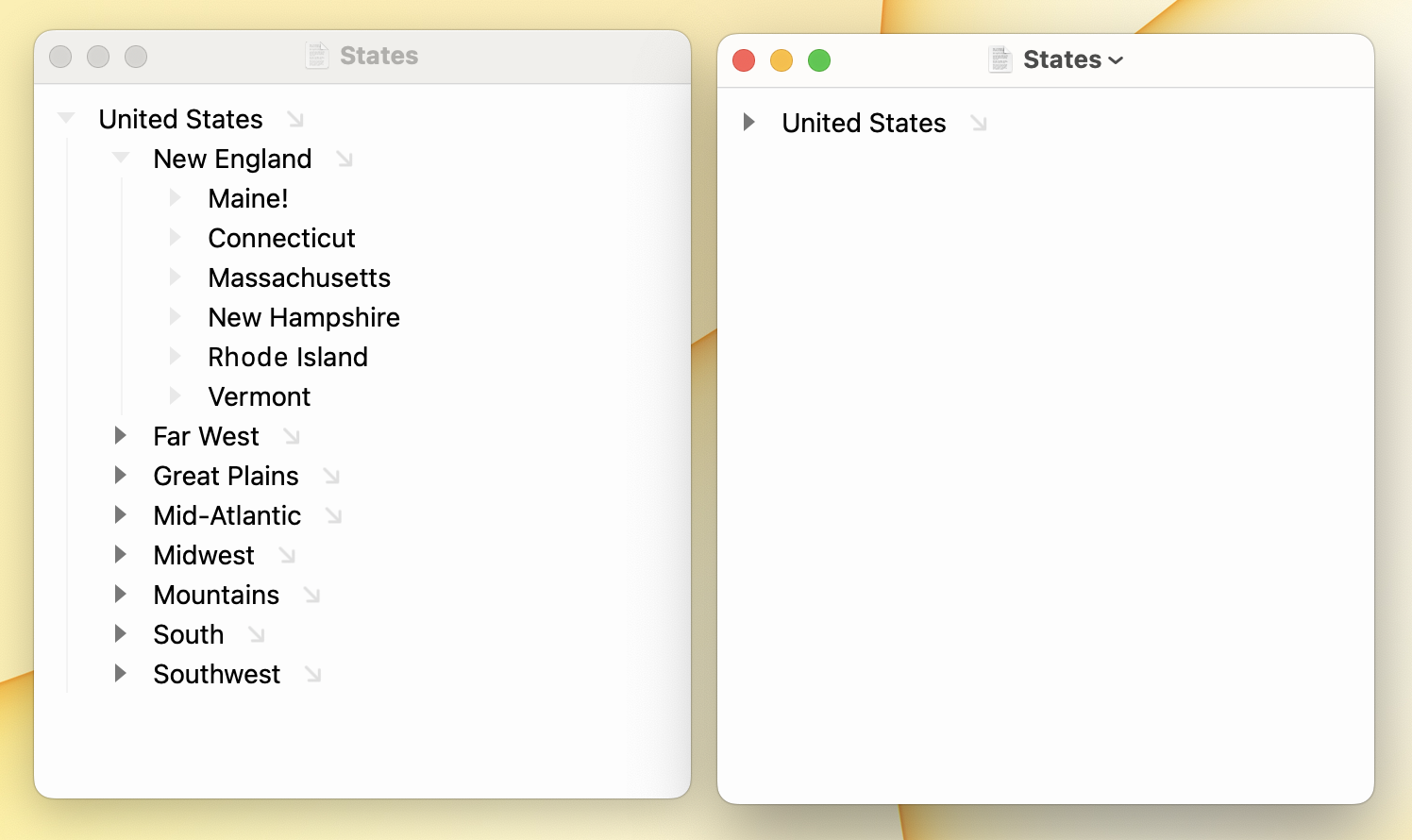
Outline > Collapse Row (Command-9)
Collapse selected row.
Outline > Expand Row (Command-0)
Expand selected row.
Outline > Collapse All (Control-Command-9)
Collapse every row in the focused outline, at all levels.
Outline > Expand All (Control-Command-0)
Expand every row in the focused outline, at all levels.
TIP
Include Option the above shortcuts to fold rows one level at a time. For example use Option-Command-9 to collapse the selected row by level. Pressing it multiple times will prune your outline one level at a time.
To focus into your outline
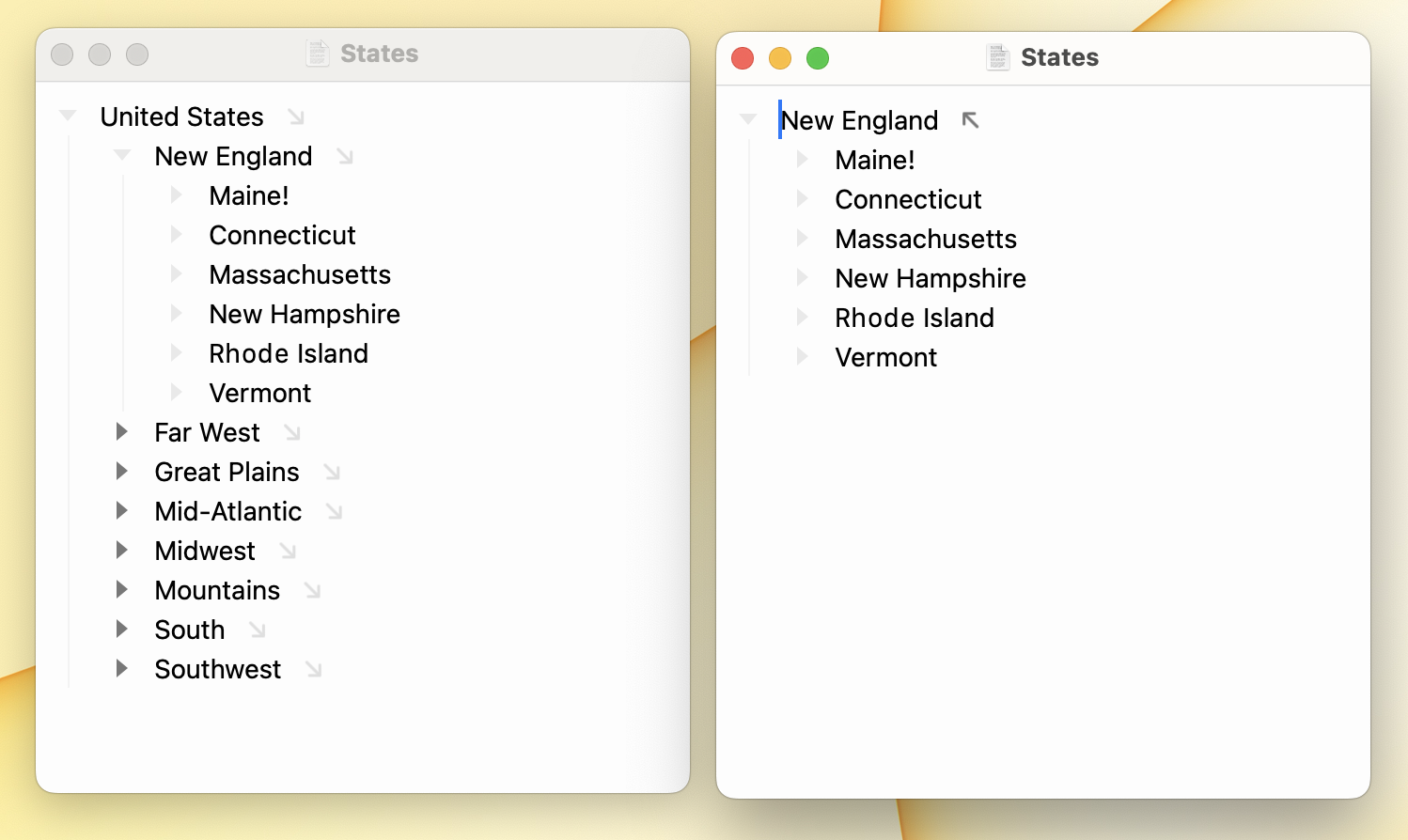
- Go > Focus In (Option-Command-Right)
- Go > Focus Out (Option-Command-Left)
- Click the focus button to the right of a row's text
Those are just the direct ways to focus. You can also focus by selecting a row from the sidebar or by using Go > Go To… (Command-P) to search for a row using the choice box. Clicking a day in your calendar will also focus that day's row.
Also, when you focus a row, Bike automatically expands the row to show what's inside. This allows a tidy outline. Focus into a row and it expands to show you its children. Focus out and it collapses back up. Tidy!
Focus and filter changes form the basis of Bike's navigation system.